

Somewhere in a Canadian boardroom right now, a leadership team is comparing Copilot vs Gemini by running the same prompt through both and seeing which response looks more impressive. It's the AI equivalent of test-driving two cars around an empty parking lot and picking the one with the better sound system. You learn something, sure. You just don't learn anything useful about the commute you'll be doing five days a week.
The Copilot vs Gemini decision for a Canadian B2B company comes down to which productivity stack your business runs on. Copilot embeds inside Microsoft 365 and Gemini operates inside Google Workspace.
Each tool performs at its best when it can reach the data your team generates daily, and performs like a very expensive chatbot when it can't. Running Copilot on a Google stack or Gemini on a Microsoft stack is like putting premium fuel in a diesel engine. There's nothing wrong with the fuel, your engine just can't use it.
The businesses that waste the most money on this decision are the ones that evaluate features first and ecosystem fit second. A Microsoft consultant who has walked Canadian B2B companies through this evaluation will tell you to start with the ecosystem question and let it eliminate half the comparison before you spend a dollar on licensing. For businesses already tracking Copilot ROI, the pattern is even clearer because the return data shows exactly where the AI connects to operational value and where it doesn't.
The Copilot vs Gemini decision for your Canadian business depends on which ecosystem holds your operational data
Gestisoft helps Canadian businesses evaluate what Copilot delivers inside their existing Microsoft environment so the comparison is grounded in real workflows.
 Book a free consultation
Where Copilot vs Gemini is decided by ecosystem integration rather than AI capability
Copilot operates inside the applications a Microsoft-based business already opens every morning. When a sales rep drafts an email in Outlook, the AI pulls context from the linked Dynamics 365 opportunity without the rep switching windows. That same connected intelligence runs across Teams meetings, SharePoint documents, and the broader Microsoft 365 environment. Teams already seeing productivity gains from Copilot in Outlook get those gains precisely because the AI operates where the work already happens.
Gemini operates inside Google Workspace with the same depth of integration for businesses running Gmail, Google Docs, Google Sheets, and Google Meet. For a Canadian business on Microsoft 365, none of that integration applies because the operational data doesn't flow through Google's applications. Gemini's strongest capabilities connect to a stack the business doesn't use.
Gemini can run as a standalone chatbot outside Google Workspace, and in that mode it handles general research and knowledge queries well. The standalone version just can't reach the Dynamics 365 pipeline your account managers rely on. Gemini as a standalone tool adds a step instead of removing one, and businesses evaluating their broader Microsoft environment through Microsoft 365 consulting services tend to see that gap clearly during the assessment.
What Copilot vs Gemini looks like for CRM and sales operations in a Canadian B2B company
A sales rep at a Canadian B2B company running Dynamics 365 opens Outlook on a Tuesday morning with four client meetings that day. Copilot for Sales has already generated prep notes for each one, pulled from the Dynamics 365 opportunity record. The rep knows the prospect mentioned budget constraints in the last call and that the deal has been sitting at proposal stage for 22 days. Meeting preparation that takes 15 minutes manually took 30 seconds with Copilot AI.
That same rep using Gemini would type "help me prepare for a meeting with Acme Corp" and get a perfectly competent generic response with zero awareness of the pipeline or where the deal sits. The rep would need to paste the deal context into the prompt manually, and even then Gemini can't write action items back to the CRM in Outlook or update the opportunity record. The output stays inside Gemini.
For Canadian B2B companies running Salesforce instead of Dynamics 365, the Copilot vs Gemini picture looks slightly different because Google has been building Workspace-Salesforce connectors. But for sales opportunity management software running on Dynamics 365, there's no Gemini equivalent. Copilot is inside the deal flow and Gemini is outside it, and that gap compounds across every rep on your team across every working day.
Where Gemini wins the Copilot vs Gemini debate and whether it justifies the split for Canadian businesses
Gemini's context window dwarfs Copilot's current cap by miles. You can have up to 2 million tokens for developers and 1 million for end users, compared to Copilot's 64k. For tasks involving very long contracts or multi-document synthesis, Gemini can hold significantly more content in working memory. The Microsoft Copilot limitations that come with that smaller context window are real, and for businesses that routinely work with 40-page documents, the difference is felt daily.
Gemini's web search runs through Google Search, which produces more comprehensive results for research-heavy tasks than Copilot's Bing-powered alternative. On standalone analytical work, Gemini tends to produce outputs with more concrete detail. Ask both tools to summarise a complex topic and Copilot gives you a polished professional overview while Gemini is more likely to come back with specific figures and source references baked in. Independent testing from platforms like Chatbot Arena consistently ranks Gemini models in the top tier for coding assistance and long-form analysis. These are real advantages to integrating Gemini into your business.
The evaluation Canadian B2B companies need to run is whether those standalone advantages appear frequently enough in their daily operations to justify paying for a second AI platform alongside Copilot. For a sales team that spends most of the week in Outlook, Teams, and Dynamics 365, those use cases may represent 5% of their working hours. Paying for an entire parallel AI ecosystem to cover 5% of your working hours is expensive overkill when the other 95% runs through Microsoft.
Some Canadian businesses land on a hybrid approach, running Copilot for integrated daily workflow and Gemini Advanced as a standalone research tool. The Copilot vs Claude comparison covers a similar dynamic for businesses evaluating that split across different AI providers.
It’s worth running the numbers on how many hours per week your team spends on tasks where Gemini's standalone advantages apply versus how many hours they spend inside the Microsoft tools Gemini can't reach. That ratio decides the Copilot vs Gemini debate as to whether a second AI platform earns its licence cost.
The Copilot vs Gemini evaluation should be tested against your team's daily workflows rather than benchmark scores
Gestisoft can run Copilot through your real Microsoft 365 and Dynamics 365 data so you see the output quality before comparing alternatives.
 Book a free consultation
How the Copilot vs Gemini cost comparison looks for Canadian businesses already paying for Microsoft 365
Microsoft 365 Copilot runs approximately $41 CAD per user per month as an add-on to the Microsoft 365 subscription your team already uses for Outlook, Teams, SharePoint, Word, and Excel. The infrastructure is there already so the training curve is minimal because the AI appears inside applications your team already knows well.
Gemini Advanced as a standalone chatbot runs approximately $27 CAD per month, which looks cheaper on paper. But the standalone version can't reach your business data. Gemini with full integration requires Google Workspace licensing, which means your Canadian business would be paying for an entirely separate productivity suite on top of the Microsoft stack you already run. The “cheaper” $27 evaporates once you price what it takes to make Gemini operationally useful in your business.
Copilot consultants who work with Canadian businesses on this evaluation typically build a 24-month total cost of ownership model that includes licensing, configuration, training, and the productivity drag of running parallel ecosystems. When the full picture is on the table, the cost gap between Copilot vs Gemini widens significantly in Copilot's favour for any business already committed to the Microsoft stack. The same pattern shows up across the broader Canadian CRM landscape where ecosystem consolidation consistently outperforms tool fragmentation on long-term cost.
When a hybrid Copilot vs Gemini approach makes financial sense
The hybrid approach works when a small number of specific roles regularly hit Copilot's ceiling. Your legal team reviewing 80-page contracts would benefit from Gemini's 1-million-token context window because Copilot loses track of earlier clauses in documents that long. Anyone doing heavy competitive research or working with large codebases gets more from Google Search integration and Gemini's larger working memory than Copilot can offer for those specific tasks.
The operative word is small. Two to four Gemini Advanced subscriptions at $27 CAD per month alongside your existing Copilot deployment is a small annual line item for the people on your team who need the capability Copilot can't match. Rolling Gemini out to 50 employees because four people hit a context window limit is how the AI budget doubles without the productivity following.
How Copilot vs Gemini handles bilingual operations for Canadian businesses
Both Copilot and Gemini generate content competently in English and French. On raw bilingual capability, the tools are comparable and neither has a meaningful quality advantage over the other. The difference for Canadian businesses is where that bilingual output gets produced. Copilot drafts bilingual emails inside Outlook, summarizes bilingual meetings inside Teams, and synthesizes bilingual documents from SharePoint. Gemini does the same inside Gmail, Google Meet, and Google Docs. Both tools deliver bilingual AI inside their native ecosystem.
Bilingual Canadian businesses run roughly double the volume of AI-assisted communications because every client-facing touchpoint potentially generates content in both languages. That volume amplifies the cost of any friction between the AI tool and the workflow. A copied-and-pasted French email draft that doesn't attach to the CRM record is one lost touchpoint. Multiply that across a bilingual sales team over a quarter and the integration gap between a connected AI and a standalone one becomes a measurable revenue problem. A Microsoft Copilot consultant configuring bilingual Copilot deployment makes sure the French and English output meets professional standards inside the tools where client communication happens rather than outside them.
Canadian businesses running Microsoft 365 already have the infrastructure for Copilot to operate across both official languages
Gestisoft configures Copilot's bilingual capabilities for Canadian businesses so the AI works in English and French inside the tools your team uses daily.
 Book a free consultation
How Gestisoft helps Canadian businesses get the full value from Copilot instead of splitting investment across ecosystems
The Copilot vs Gemini conversation usually surfaces inside a Canadian business for a specific reason. Copilot has been active for a few months and the team finds it useful for meeting summaries and email drafts, but leadership expected more. They expected pipeline intelligence their reps could act on and CRM records that updated without someone manually typing notes after every call. When those capabilities don't materialise, someone googles "Gemini" to see if the grass is greener.
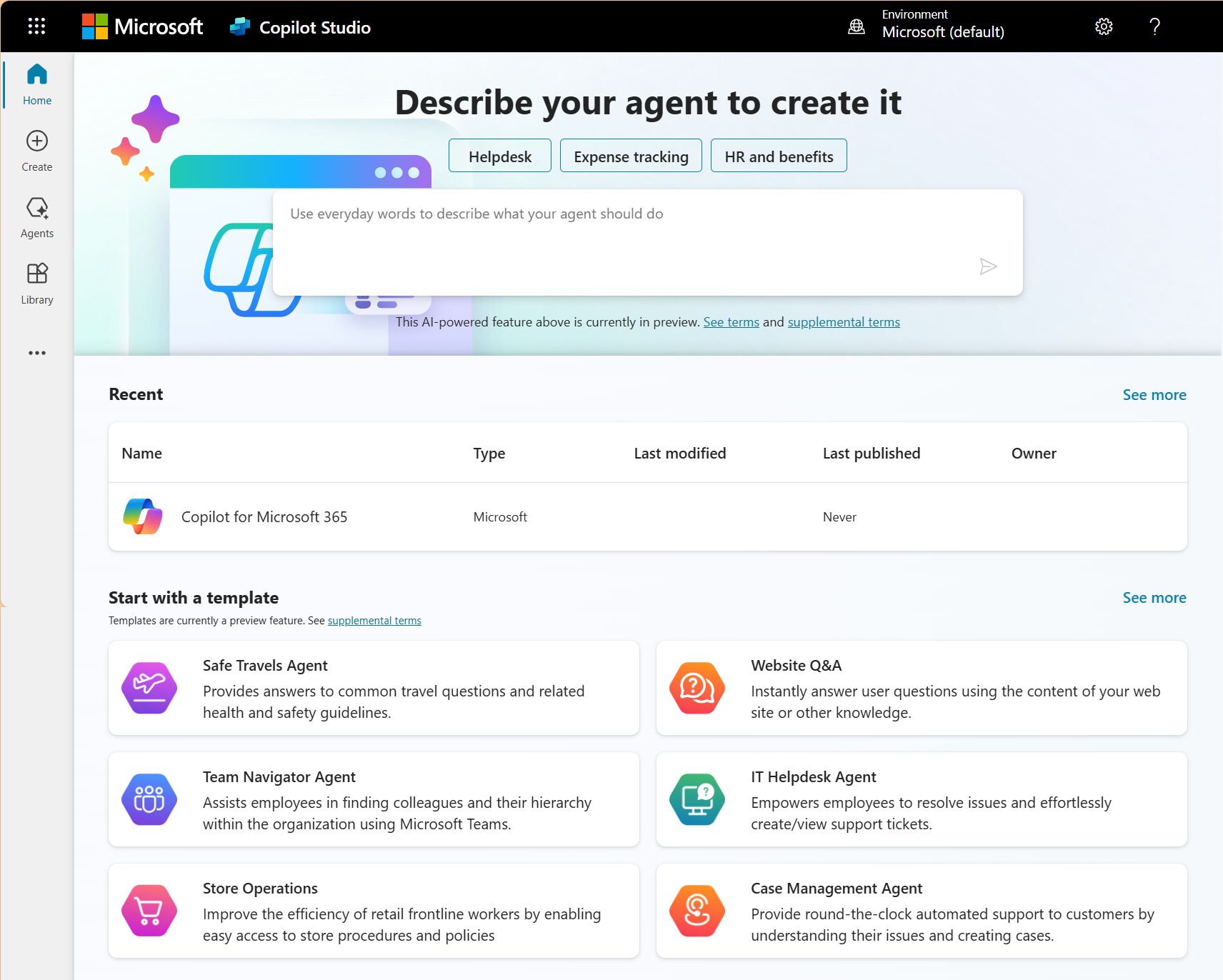
Gestisoft's role is making sure that comparison never needs to happen twice. The reconfiguration typically starts with the data layer because that's where most underwhelming Copilot deployments break down. If your SharePoint content is outdated or your Dynamics 365 records are incomplete, the AI produces generic outputs regardless of how capable the underlying model is. Gestisoft cleans up those foundations, then configures Copilot and Copilot Studio agents around the specific workflows each team runs daily so the AI starts delivering the results leadership expected when they signed the licence.
Canadian businesses that went through this reconfiguration with Gestisoft consistently report the same turning point. The Copilot vs Gemini question stopped coming up in leadership meetings because Copilot started delivering. The CRM dashboard became the screen the VP opened before every board meeting, and the sales team stopped treating the AI as an optional extra they'd get around to using eventually.
Gestisoft's Customer Success Manager stays engaged for as long as the deployment needs refinement. The first few months tend to be the most intensive because that's when the team discovers which Copilot capabilities they use daily and which ones need reconfiguring based on how real work flows through the system.
-
The comparison is asymmetric for Microsoft-based businesses. Copilot integrates natively with Outlook, Teams, SharePoint, and Dynamics 365 where the business data lives. Gemini integrates with Google Workspace, which the business doesn't use. As standalone AI chatbots they're comparable. As integrated business tools, the Copilot vs Gemini comparison favours whichever tool connects to the ecosystem you operate in.
Liked what you just read? Sharing is caring.

June 10, 2026 by Shelley Sunjka by Shelley Sunjka Copywriter & Marketing Strategist
Armed with a psychology degree and an irrational obsession with okapis, I've spent the last decade helping bold brands tell better stories. I believe the best writing bends grammar rules on purpose and makes people feel something. When I'm not deep in words or nerding out on buyer behaviour, I'm probably convincing my kids that impromptu kitchen dance parties are totally normal.

