

Copilot vs Claude comes up the moment a Canadian business on Microsoft 365 starts thinking seriously about AI. The instinct is to pick one, but these two tools were built for fundamentally different jobs, and treating them as direct competitors leads to a bad purchasing decision either way.
Copilot is embedded inside the Microsoft apps your team already uses. It connects to your email and your files through Microsoft Graph, which gives it organizational context that no external AI tool can replicate. When Copilot drafts a response to a client email, it already knows what the previous messages said. That contextual awareness is what makes Copilot valuable for daily operations across a full team.
Claude, built by Anthropic, operates outside your Microsoft environment. It connects through a web interface or an API and has no native access to your organizational data unless someone copies the content in manually. What Claude brings is stronger analytical depth on complex problems and a larger context window for processing long documents in a single interaction. For standalone analytical work, Claude produces stronger output than Copilot does.
The Copilot vs Claude decision for a business already running Microsoft depends on what the work requires, and for most businesses, that answer changes depending on the day. The companies getting this right in 2026 are assigning each tool to the work it handles best rather than forcing one to do everything.
If your team runs on Microsoft, Copilot vs Claude has a clear starting point
Gestisoft helps Canadian businesses figure out where Copilot delivers the most value inside their existing environment.
 Book a free consultation
Where Copilot wins the Copilot vs Claude comparison for business operations
Copilot's advantages over Claude come back to proximity to your work. Every strength is because Copilot operates inside your Microsoft environment with direct access to your organizational data, and Claude doesn't.
Daily productivity inside Microsoft 365
Copilot's strongest advantage is the one that's easiest to overlook because it doesn't feel dramatic. It handles the small, repetitive tasks that eat hours across your organization every week. A sales rep dealing with a 14-message email thread from a client can have Copilot summarize the conversation and draft a reply with the full context already loaded. After a 45-minute Teams call, the meeting action items are ready before anyone has closed the window. This all happens automatically inside the apps the team has been using for years, and that's why the productivity compound across a full team is significant even when each individual task feels small.
Organizational context through Microsoft Graph
This is where the Copilot vs Claude gap is widest for businesses running Microsoft. Copilot connects to your organizational data through Microsoft Graph, which means it can pull from your email history and your SharePoint files in the same interaction. Ask Copilot to prepare you for a client meeting and it can reference the last email exchange with that client alongside the proposal document your colleague shared in Teams last week. Claude has no way to access any of that information unless someone on your team copies it in manually. For businesses where cross-referencing internal information is a daily requirement, that native connection to your organizational data changes what AI can do for you.
Enterprise governance and compliance
Copilot inherits your existing Microsoft 365 security framework. The access controls your IT team already configured carry over, which means Copilot can only surface information that the person using it is authorized to see. For Canadian businesses operating under PIPEDA or dealing with industry-specific data handling requirements, this removes the compliance question that comes with adopting any external AI tool. Claude processes data through Anthropic's infrastructure, and while the company offers strong privacy commitments on paid plans, it operates outside the governance structure your organization has already built. That distinction becomes a deciding factor for businesses in regulated industries where data residency and access controls aren't optional.
Broad team adoption
The Copilot vs Claude adoption curve looks completely different at the team level. Copilot requires no new app installation and no separate login. Staff who already use Microsoft 365 can start using Copilot inside the same apps they open every morning, which makes it realistic to roll out across an entire organization including non-technical employees. Claude requires a separate account on a different interface and a willingness to change how someone works. That's fine for power users who seek out better tools, but it creates friction for the majority of a workforce who will only use AI if it shows up where they already are. When Canadian businesses measure the return on their Copilot investment, the adoption rate across the full team is usually the factor that drives the math.
Getting Copilot to deliver inside your Microsoft environment takes the right configuration
Gestisoft can show you where the productivity gains are hiding in your existing setup.
 Book a free consultation
Where Claude wins the Copilot vs Claude comparison for specialized work
Copilot handles the daily operational layer. Claude's advantages are narrower but deeper, and they show up most clearly when the work requires focused analytical effort rather than organizational productivity.
Complex reasoning and analysis
The Copilot vs Claude gap on complex reasoning is where Claude's advantage is most obvious. Strategic analysis, policy review, and financial modelling where the AI needs to hold several variables in play and reason across them are areas where Claude produces noticeably stronger output. Copilot can summarize information well, but when the task moves beyond summarization into synthesis, Claude handles the complexity with more depth. If your team regularly produces work that requires connecting ideas across long documents and arriving at a conclusion, Claude is the stronger tool for that specific job.
Long document processing
Claude's context window can handle an entire contract or regulatory filing in a single interaction. Copilot's context within individual Microsoft apps is more limited, which means longer documents often need to be broken into sections or summarized in stages. For professionals who regularly work with documents that run past 30 or 40 pages, that difference in capacity changes how useful the AI is. Being able to ask questions against a full document without losing context halfway through is a productivity advantage for legal, compliance, and research teams.
Structured long-form output
Claude handles longer output better than Copilot does. When the task is producing a full five-page report from a detailed brief, Claude can deliver a coherent document in a single interaction that holds together from the executive summary through to the closing recommendation. Copilot was designed for shorter interactions inside app windows, and that design shows when you push it to produce anything beyond a couple of paragraphs. The output tends to lose coherence and repeat itself in ways that create more editing work than the AI saved in the first place. For teams that need to produce board documents, client proposals, or internal strategy papers, Claude's ability to sustain a longer output without falling apart is a practical advantage that shows up immediately.
Ecosystem independence
The Copilot vs Claude comparison assumes your business runs entirely on Microsoft, but not every organization does. This means that Claude becomes the obvious choice for teams working across multiple platforms or using non-Microsoft tools for specific functions because they have more flexibility with Claude as a standalone AI assistant. The Model Context Protocol (MCP) also gives Claude the ability to connect to external data sources and applications that Copilot has no path to reach, which extends its usefulness beyond what any single ecosystem can offer.
When Copilot vs Claude is the wrong question because the answer is both
A lot of Canadian businesses arrive at the Copilot vs Claude comparison expecting to pick one. In practice, the businesses getting the most from AI in 2026 are running both and spending less time debating which is better.
The cost of doing this is lower than most people assume. Copilot runs about $30 USD per user per month as a Microsoft 365 add-on, which works out to roughly $41 CAD. Claude Team is about $25 USD per user per month, roughly $34 CAD. For a 20-person team running both, the combined annual cost is around $18,000 CAD. For most mid-sized businesses, that's a modest line item and the return shows up in the first week when your team stops trying to force one tool into jobs it wasn't built for.
The practical split is intuitive once you see it. Copilot covers daily operations across the full team because it's embedded in the Microsoft apps everyone already uses. Email responses, meeting summaries, and quick data work in Excel all happen without anyone leaving their workflow. Claude covers the heavier analytical work for the people on your team who need it. Long document review, complex reports, and the kind of focused analysis that Copilot's shorter interaction model wasn't designed to handle.
One of the most common challenges with Microsoft Copilot is expecting it to perform well on every type of task. When businesses add Claude for the work that falls outside Copilot's strengths, the frustration with Copilot tends to disappear because the tool is finally being used for what it was designed to do.
What Canadian businesses should consider in the Copilot vs Claude decision
The Copilot vs Claude comparison changes depending on where your business operates, and Canadian businesses have a few specific considerations beyond the standard feature debate.
Data residency
The Copilot vs Claude data residency picture looks different for Canadian businesses. Copilot processes data through Microsoft's infrastructure, and Microsoft operates Azure regions in Canada. For businesses with data residency requirements under PIPEDA or provincial privacy legislation, that means organizational data can stay within Canadian borders. Claude's data handling depends on the plan tier and configuration, and Anthropic's infrastructure doesn't currently include Canadian data centres. Canadian businesses in regulated industries should verify where each tool processes and stores organizational data before rolling either one out, because the answer affects your compliance posture differently depending on which tool you choose.
Bilingual capability
Both tools support French and English, but they handle bilingual work differently. Copilot's French-language performance inside Microsoft 365 benefits from the organizational context it accesses, so a French-language email response drafted by Copilot pulls from the same conversation history and file references as an English one. Claude's French output on standalone tasks is strong, and for longer analytical work in French it holds up well. If your team serves Quebec clients or operates bilingually, test both tools in French during your evaluation rather than assuming either one handles it well enough based on the English experience alone.
Vendor approval and procurement
Vendor approval timelines are an overlooked part of the Copilot vs Claude decision for Canadian organizations, especially those working with government contracts or operating in regulated sectors. Microsoft is already an approved vendor inside existing procurement frameworks. Adding Copilot to a Microsoft 365 agreement is an extension of a relationship your procurement team has already vetted. Anthropic is a younger company, and Claude may not yet be on your approved vendor list. Getting a new AI vendor through procurement review can take months in organizations with formal approval processes, and that timeline affects how quickly your team can start using the tool even after you've decided it's the right fit.
How Copilot works inside a business when it's configured by a Microsoft partner
The version of Copilot most businesses experience out of the box and the version that runs after a Microsoft Copilot consultant has configured it are different tools in practice. The features are the same. The difference is in what Copilot can see.
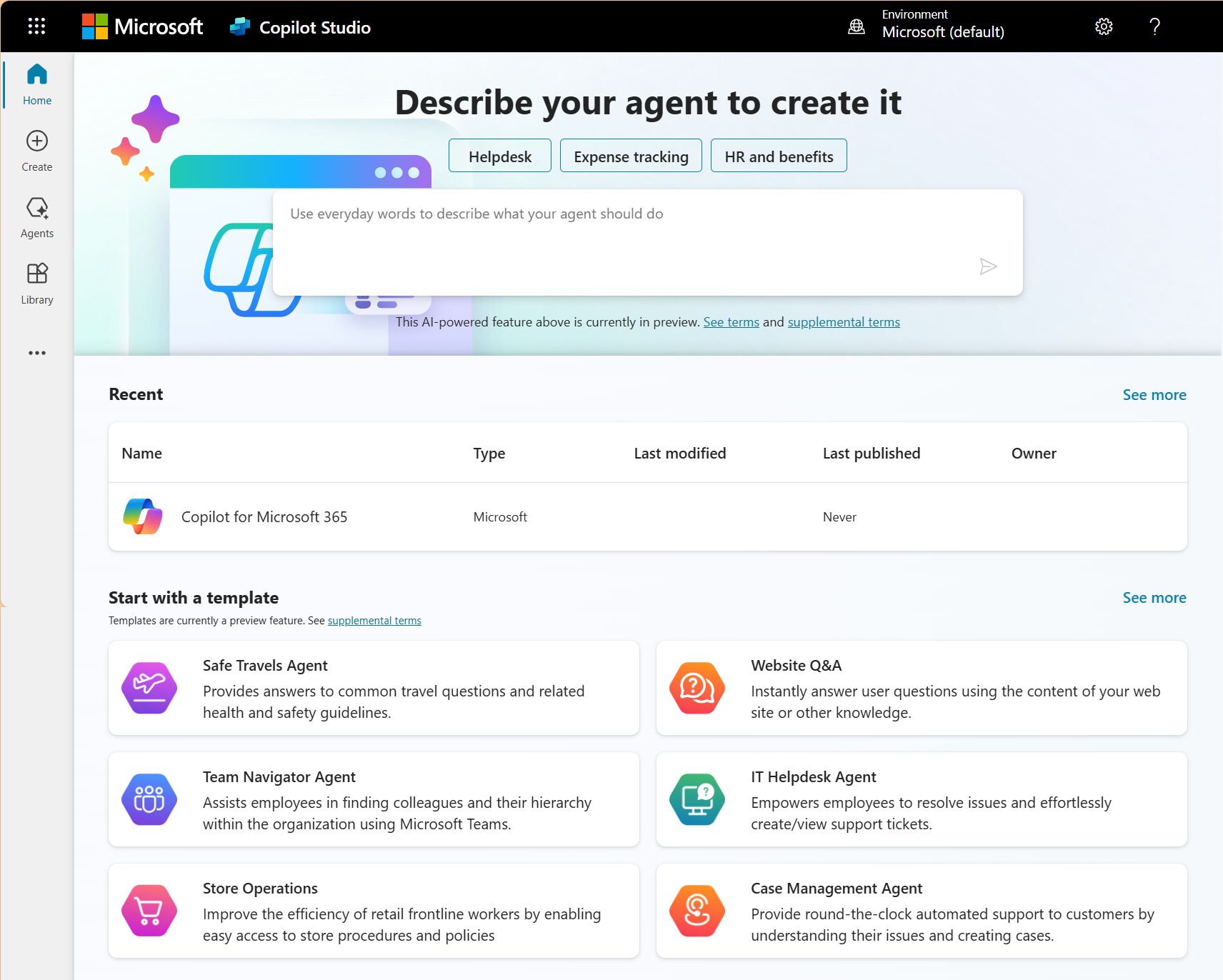
Without configuration, Copilot works with whatever is inside the individual app you're using at that moment. It can summarize the email thread you're looking at in Outlook, but it has no idea that the client mentioned in that thread has an open support ticket in Dynamics 365 or a proposal stored in SharePoint that was updated yesterday. Each app is like a closed room.
After proper configuration, those rooms are connected. Copilot Studio agents handle customer inquiries with your Dynamics 365 data loaded as context. Meeting summaries in Teams pull from relevant SharePoint documents automatically rather than just transcribing what was said. An Excel analysis connects to your Power BI reports instead of treating the spreadsheet as an isolated file. The AI is doing the same things just with access to the information that makes the output more useful.
That's the version of Copilot that changes the Copilot vs Claude conversation, because most of the frustration businesses have with Copilot comes from the tool operating without the data connections that would make it valuable.
The Copilot vs Claude decision gets clearer once you see Copilot configured for your workflows
Gestisoft can walk your team through what Copilot does inside your Microsoft environment in 30 minutes.
 Book a free consultation
How Gestisoft helps Canadian businesses get the Copilot side of the Copilot vs Claude debate right
The most common version of the Copilot vs Claude conversation Gestisoft hears from Canadian businesses starts after someone on the team discovers Claude and begins using it for work that Copilot wasn't handling well. The Copilot licences are still running, but the tool has been reduced to email drafting and meeting summaries while Claude picks up the heavier analytical work. At that point the question becomes whether the company backed the wrong tool.
In most cases, they didn't. The problem is that nobody connected Copilot to the organizational data and workflows that would make it valuable beyond surface-level tasks. Once a Microsoft consultant configures Copilot to pull from your CRM data and your client history, the output stops feeling generic and starts reflecting the operational reality of your business. That's the version of Copilot most businesses never see because the configuration work didn't happen after the licences were purchased.
Gestisoft's approach starts with identifying where Copilot should be delivering value and isn't. The configuration work connects Copilot to the data sources that are relevant to your team's daily operations and builds Copilot Studio agents for the specific tasks your business needs automated. The result is a Copilot vs Claude split that becomes a deliberate decision about which tool handles which job, rather than a workaround for a tool that was never properly set up.
Gestisoft works across both Dynamics 365 CRM and ERP, which means the Copilot configuration can extend beyond the Microsoft 365 productivity layer into the business systems where your operational data exists. For Canadian businesses already running Dynamics 365, that's the difference between Copilot summarizing a meeting and Copilot summarizing a meeting with your client's full pipeline history and open support tickets loaded as context. The deeper the connection to your business data, the less your team needs to reach for a separate tool to fill the gaps.
-
Many businesses benefit from running both. Copilot handles daily productivity inside Microsoft 365 for the full team. Claude handles specialized tasks like complex analysis and long document processing for power users.
Liked what you just read? Sharing is caring.

May 22, 2026 by Shelley Sunjka by Shelley Sunjka Copywriter & Marketing Strategist
Armed with a psychology degree and an irrational obsession with okapis, I've spent the last decade helping bold brands tell better stories. I believe the best writing bends grammar rules on purpose and makes people feel something. When I'm not deep in words or nerding out on buyer behaviour, I'm probably convincing my kids that impromptu kitchen dance parties are totally normal.

