
The discussion around Microsoft Copilot vs ChatGPT has evolved far beyond simple chatbot comparisons. Organizations are no longer asking whether to use AI. They are asking which AI platform aligns with their infrastructure, governance model, and long-term strategy.
Most online comparisons oversimplify the issue by comparing Microsoft Copilot with the consumer version of ChatGPT. That is not the relevant business question.
For enterprise decision-makers, the real comparison is:
- Microsoft 365 Copilot
- ChatGPT Enterprise
Both platforms are powerful. Both use advanced large language models. Both can draft content, summarize documents, analyze information, and support knowledge work.
However, the Microsoft Copilot vs ChatGPT debate is not about which AI is “smarter.” It is about ecosystem integration, data grounding, compliance architecture, workflow embedding, and governance maturity.
If you are a CIO, CTO, IT leader, or business executive evaluating AI at scale, this guide will help you make a structured and defensible decision.
Microsoft Copilot vs ChatGPT: The Executive Summary
If you need a direct answer:
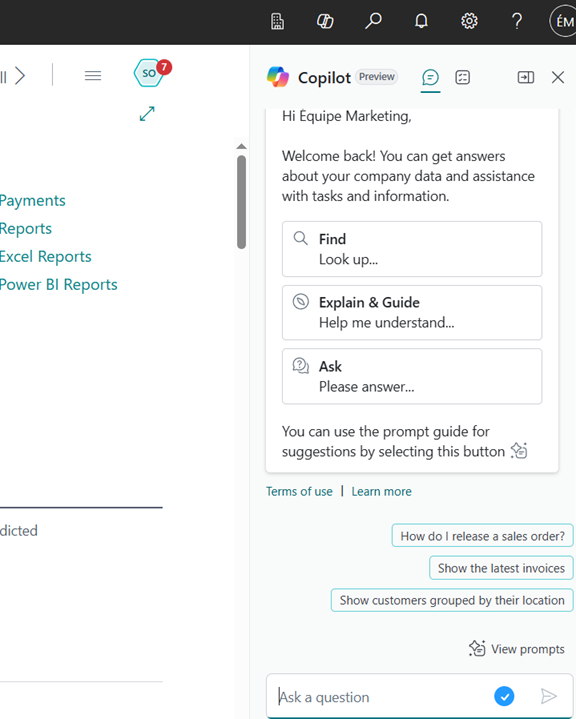
- Microsoft 365 Copilot is designed for organizations deeply embedded in Microsoft 365. It operates inside Outlook, Teams, Word, Excel, SharePoint, and even Dynamics 365 CRM and Business Central, grounded in your tenant data and governed by your existing permissions.
- ChatGPT Enterprise is a flexible AI workspace built for cross-platform use, custom AI assistants, and broader experimentation across mixed tech stacks.
Many mature enterprises deploy both: Copilot for embedded productivity and ChatGPT Enterprise for advanced strategic and analytical use cases.
In short:
Microsoft Copilot is embedded inside your Microsoft productivity layer.
ChatGPT Enterprise is a powerful AI workspace that must be architected into your environment.
The right choice depends on where your knowledge lives, how your workflows operate, and how your governance is structured.
Learn more about how Microsoft Copilot AI can easily integrate into your enterprise.
Contact us for a free consultation and let our experts guide you from A to Z.
 Free discovery call
What Are We Comparing in Microsoft Copilot vs ChatGPT?
Clarity is critical.
When organizations search for Microsoft Copilot vs ChatGPT, they often conflate multiple versions of each platform.
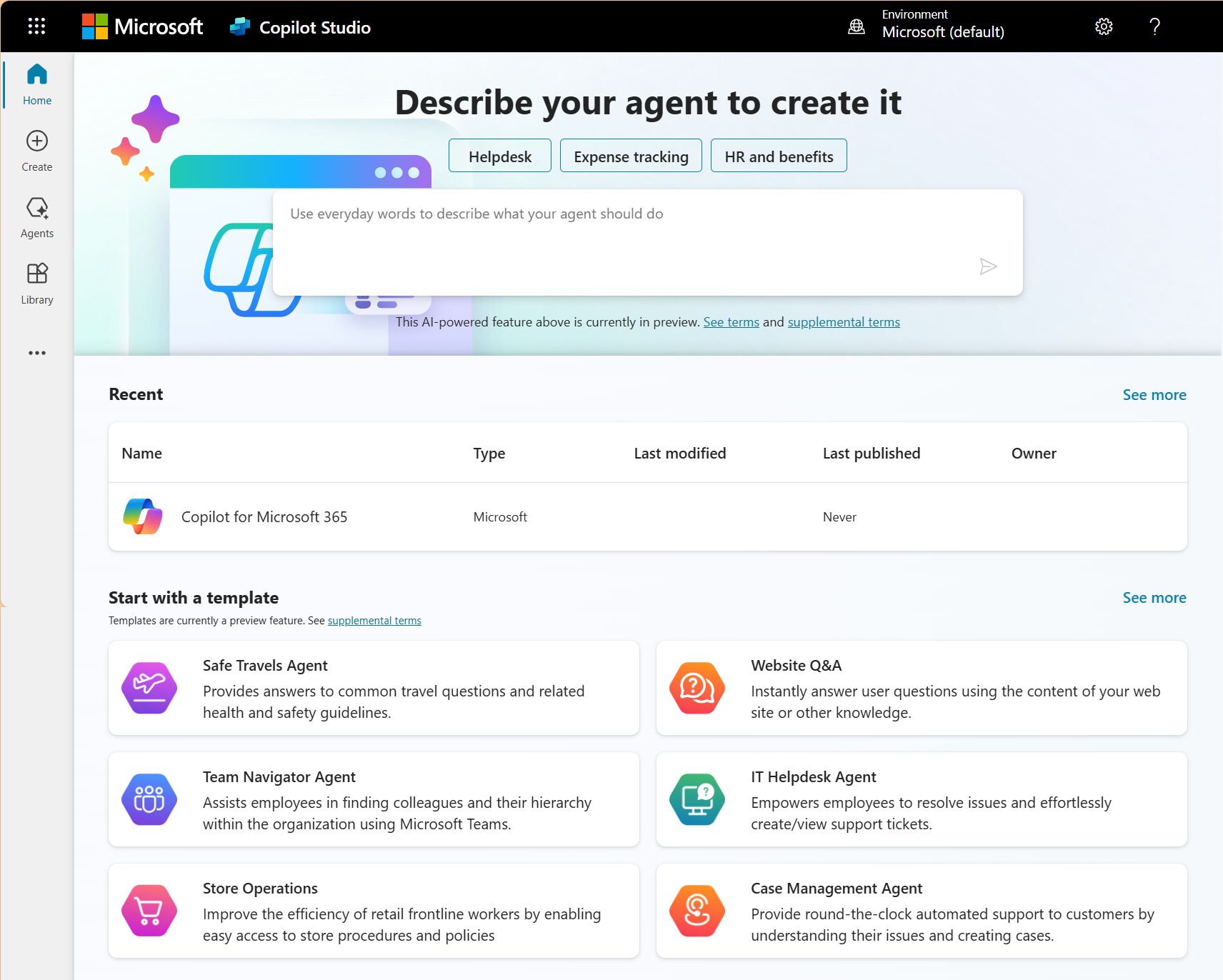
What Is Microsoft 365 Copilot?
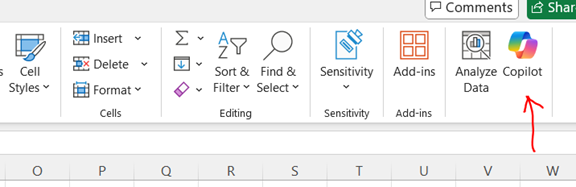
Microsoft 365 Copilot is an enterprise AI layer integrated directly into Microsoft applications, including:
- Outlook
- Microsoft Teams
- Word
- Excel
- PowerPoint
- SharePoint
- OneDrive
It is grounded in your Microsoft tenant. This means:
- It references documents users already have permission to access.
- It inherits identity and access controls.
- It respects sensitivity labels and compliance boundaries.
Copilot can summarize Teams meetings, draft responses in Outlook, create presentations from documents, and analyze Excel data within your existing security framework.
Microsoft also provides Copilot Studio, enabling organizations to build custom agents and automate workflows using Power Platform.
Microsoft 365 Copilot is not a standalone chatbot. It is an AI productivity layer embedded into enterprise workflows.
What Is ChatGPT Enterprise?
ChatGPT Enterprise is the enterprise-grade version of ChatGPT. It offers:
- Enterprise-level security and privacy commitments
- Administrative controls
- Usage analytics
- Expanded context windows
- Custom GPT creation for internal use
- API-based integration capabilities
Unlike Microsoft 365 Copilot, ChatGPT Enterprise operates as a dedicated AI environment. It does not automatically connect to your Microsoft 365 tenant. Organizations must intentionally connect systems or upload data.
ChatGPT Enterprise is flexible, powerful, and adaptable across different software ecosystems. However, it requires deliberate integration and governance design.
Microsoft Copilot vs ChatGPT: Core Architectural Differences
When evaluating Microsoft Copilot vs ChatGPT Enterprise, five structural differences matter most.
1. Data Grounding
Microsoft 365 Copilot:
- Automatically grounded in tenant data
- Uses existing user permissions
- Embedded in collaboration and document systems
ChatGPT Enterprise:
- Requires data upload or API integration
- Does not inherently understand organizational structure
- Operates independently of Microsoft identity systems unless configured
In practical terms, Copilot is context-aware inside Microsoft 365. ChatGPT Enterprise becomes context-aware only through configuration.
2. Governance and Compliance
Security is often the deciding factor in the Microsoft Copilot vs ChatGPT debate.
Microsoft 365 Copilot:
- Inherits Microsoft compliance architecture
- Leverages Entra ID identity management
- Respects sensitivity labeling
- Enforces permission boundaries automatically
ChatGPT Enterprise:
- Provides enterprise-grade security controls
- Offers administrative oversight
- Requires structured governance policies designed by the organization
The difference is not that one is secure and the other is not. The difference is integration.
Copilot inherits governance from Microsoft 365. ChatGPT Enterprise requires governance to be architected.
3. Workflow Embedding
Microsoft Copilot is embedded in daily work:
- Drafting emails inside Outlook
- Summarizing meetings in Teams
- Generating documents in Word
- Assisting analysis in Excel
ChatGPT Enterprise operates as an AI workspace:
- Deep drafting sessions
- Strategy development
- Complex reasoning tasks
- Cross-domain analysis
In Microsoft Copilot vs ChatGPT comparisons, Copilot excels at embedded operational productivity. ChatGPT Enterprise excels at structured AI collaboration outside application boundaries.

4. Customization and Extensibility
Microsoft Copilot:
- Custom agents via Copilot Studio
- Power Platform integration
- Workflow-level automation inside Microsoft ecosystem
ChatGPT Enterprise:
- Custom GPTs
- API integrations
- Tool-enabled AI assistants
- Code-based extensibility
Organizations seeking broad AI experimentation may favor ChatGPT Enterprise. Organizations seeking deep Microsoft workflow enhancement may prefer Copilot.
5. User Adoption Dynamics
Adoption determines ROI.
Microsoft Copilot feels native to Microsoft users. It reduces friction because it operates inside familiar tools.
ChatGPT Enterprise requires stronger AI literacy. Users must understand prompting, context control, and validation practices.
In Microsoft Copilot vs ChatGPT decisions, ease of adoption can outweigh technical capability.
When Microsoft Copilot Is the Better Strategic Choice
Microsoft 365 Copilot is typically the stronger option when:
- Your organization runs primarily on Microsoft 365.
- SharePoint stores most corporate knowledge.
- Teams is the collaboration backbone.
- Outlook is the primary communication channel.
- Governance and identity management are mature in Microsoft.
For Microsoft-first enterprises, Copilot enhances existing workflows without requiring major architectural redesign.
When ChatGPT Enterprise Is the Better Strategic Choice
ChatGPT Enterprise may be the better option when:
- Your organization operates across multiple SaaS ecosystems.
- You use Salesforce, Google Workspace, or industry-specific platforms extensively.
- You plan to build custom AI assistants across systems.
- You prioritize flexible AI experimentation.
- Your innovation team requires broader AI modeling capabilities.
In Microsoft Copilot vs ChatGPT Enterprise scenarios, ChatGPT often wins in heterogeneous environments.
Microsoft Copilot vs ChatGPT for Different Business Profiles
Now, let’s see which AI tool is suitable for which type of business profile.
Small and Mid-Sized Businesses
SMBs often prioritize speed of deployment and measurable efficiency gains.
If workflows are Microsoft-centric, Copilot may deliver immediate operational impact.
If the stack is mixed or less structured, ChatGPT Enterprise may offer broader utility.
Mid-Market Organizations
Mid-market firms often struggle with reporting, documentation, and knowledge silos.
Copilot can reduce:
- Meeting recap time
- Email drafting effort
- Presentation preparation
- Internal reporting workload
ChatGPT Enterprise can strengthen:
- Strategic planning
- Marketing development
- Cross-functional knowledge synthesis
Many mid-market firms adopt a hybrid approach.
Large Enterprises and Regulated Industries
For enterprises, the Microsoft Copilot vs ChatGPT decision centers on risk.
Critical evaluation factors include:
- Data sensitivity
- Audit requirements
- Identity governance maturity
- Compliance frameworks
Organizations with strong Microsoft compliance environments often find Copilot easier to align with internal controls.
Innovation-focused enterprises may deploy ChatGPT Enterprise alongside Copilot to support research, prototyping, and AI-driven transformation initiatives.
Book your free consultation with our Microsoft experts today
Contact us to learn more about Microsoft Copilot AI and how we can help you with its deployment and efficient use.
 Free discovery call
Can Enterprises Use Microsoft Copilot and ChatGPT Together?
Yes. And many do.
A mature AI architecture may look like this:
Microsoft Copilot:
- Meeting intelligence
- Email triage
- Document automation
- Embedded workflow support
ChatGPT Enterprise:
- Strategic analysis
- Cross-system reasoning
- Advanced content generation
- Innovation lab experimentation
The Microsoft Copilot vs ChatGPT question does not always require a binary decision. It requires a clear governance model and defined use cases.
Cost and ROI Considerations Beyond Licensing
Licensing cost is only part of the equation.
Total cost of ownership includes:
- Training and enablement
- Governance framework development
- Change management
- IT oversight
- Prompt standardization
- Risk mitigation processes
The greatest risk is deploying AI without defined success metrics.
In Microsoft Copilot vs ChatGPT decisions, ROI should be measured in:
- Time saved
- Reduction in repetitive tasks
- Faster decision cycles
- Improved knowledge retrieval
- Reduced meeting overload
Without measurable use cases, AI investments often underperform expectations.
A Structured Decision Framework for Microsoft Copilot vs ChatGPT
If your organization is evaluating both platforms, use this structured approach.
Step 1: Map Core Knowledge Workflows
Identify high-volume tasks:
- Email drafting
- Meeting summarization
- Reporting
- Proposal development
- CRM updates
- Internal documentation
Step 2: Identify Data Location
Is most knowledge centralized in Microsoft 365? Or dispersed across multiple systems?
Step 3: Evaluate Governance Maturity
Does your organization have:
- Strong identity management?
- Defined compliance policies?
- Structured access controls?
Step 4: Run a Controlled Pilot
Select:
- 2–3 departments
- 3–5 use cases
- A defined 30–60 day evaluation window
Measure:
- Time savings
- Output quality
- Adoption rate
- Risk exposure
This turns Microsoft Copilot vs ChatGPT into an evidence-based decision rather than a theoretical debate.
The Strategic Question Behind Microsoft Copilot vs ChatGPT
The real issue is not model capability.
It is architectural alignment.
Organizations that treat AI as a plug-in feature often struggle.
Organizations that treat AI as a governed transformation layer succeed.
Microsoft Copilot enhances productivity within Microsoft’s ecosystem.
ChatGPT Enterprise expands AI capability across broader digital environments.
The right decision depends on your operational architecture—not on marketing claims.
-
Microsoft Copilot is often better for organizations deeply integrated with Microsoft 365. ChatGPT Enterprise may be better for mixed ecosystems requiring flexible integration.
Final Verdict: Microsoft Copilot vs ChatGPT
The Microsoft Copilot vs ChatGPT decision is not about which AI writes better text.
It is about:
- Ecosystem alignment
- Governance architecture
- Workflow integration
- Data strategy
- Organizational maturity
Microsoft 365 Copilot excels when your workflows live inside Microsoft.
ChatGPT Enterprise excels when flexibility and cross-system intelligence are required.
The most competitive organizations will not choose AI based on hype. They will choose based on architectural fit, security design, and measurable productivity impact.
The question is not which AI is more powerful.
The question is which AI fits your business model.
Liked what you just read? Sharing is caring.

February 23, 2026 by Kooldeep Sahye by Kooldeep Sahye Inbound Marketing Manager
Specializing in SEO-driven pipeline growth, I combine keyword strategy, content optimization, and inbound tactics to turn organic search into a reliable source of qualified leads. I work at the intersection of traditional SEO and AI search — optimizing for LLMs and AI Overviews alongside Google — pairing data-informed strategy with sharp, story-led copywriting.
