

Artificial intelligence is no longer experimental. Now, it is operational. Canadian organizations are moving beyond testing generative AI tools and are now integrating them into daily workflows, financial processes, sales operations and executive decision-making.
This is where Microsoft Copilot consulting becomes critical.
Deploying Microsoft 365 Copilot or Copilot in Dynamics 365 without a structured strategy may lead to low adoption, data exposure risks, unclear ROI and fragmented use cases. A well-designed Microsoft Copilot consulting engagement ensures that AI is secure, aligned with business priorities and delivering measurable value across the enterprise.
At Gestisoft, we approach Microsoft Copilot consulting as a business transformation initiative — not just a technical deployment.
What is Microsoft Copilot consulting?
Microsoft Copilot consulting is a structured advisory and implementation service designed to help organizations deploy, govern and optimize Microsoft 365 Copilot and Copilot in Dynamics 365 CRM and ERP environments.
Unlike generic IT consulting, Microsoft Copilot consulting focuses specifically on:
- AI readiness assessment
- Data governance and compliance alignment
- Secure Copilot configuration
- Use-case prioritization by department
- Integration with Microsoft 365 and Dynamics 365
- Adoption and change management
- ROI measurement and optimization
Microsoft Copilot consulting covers two major AI environments:
- Microsoft 365 Copilot (Word, Excel, Outlook, Teams, SharePoint)
- Copilot in Dynamics 365 (CRM and ERP modules such as Sales, Customer Service, Business Central and Finance)
A strategic Microsoft Copilot consulting engagement ensures these environments work together seamlessly, grounded in secure enterprise data.
Speak with our Microsoft Copilot experts now
Book your free consultation and discover how we can help your business integrate Copilot into your daily activities.
 Free discovery call
Why Canadian organizations need Microsoft Copilot consulting?
AI adoption is accelerating across Canada. However, the organizations seeing real impact are not the ones simply purchasing licenses. They are the ones investing in structured Microsoft Copilot consulting.
Here’s why.
Competitive pressure
Mid-market and enterprise organizations are using AI to:
- Shorten sales cycles
- Improve forecasting accuracy
- Reduce reporting time
- Increase employee productivity
- Enhance customer service response times
Without Microsoft Copilot consulting, companies risk falling behind competitors who are integrating AI into core operations.
Data governance expectations
Canadian organizations must align AI usage with privacy and data protection requirements, including federal and provincial regulations. Microsoft Copilot consulting ensures that Copilot inherits existing security permissions, respects role-based access and does not expose sensitive ERP or CRM data.
Executive demand for measurable ROI
CIOs and CFOs are no longer approving AI projects based on innovation alone. They require clear ROI modeling. A structured Microsoft Copilot consulting engagement defines success metrics before deployment begins.
Microsoft Copilot consulting across Microsoft 365 and Dynamics 365
One of the most common mistakes organizations make is treating Copilot as a productivity add-on limited to Word or Outlook. True value emerges when Microsoft Copilot consulting connects Microsoft 365 and Dynamics 365 environments.
Microsoft 365 Copilot consulting
Microsoft 365 Copilot transforms daily knowledge work. Through Microsoft Copilot consulting, organizations can:
- Automate document drafting in Word
- Generate financial models in Excel
- Summarize long email threads in Outlook
- Extract insights from Teams meetings
- Create reports from SharePoint data
However, successful Microsoft 365 Copilot consulting requires:
- Tenant readiness assessment
- Licensing strategy alignment
- Data classification review
- Sensitivity label configuration
- Governance policy definition
Without these foundations, Copilot may surface incomplete or misaligned information.
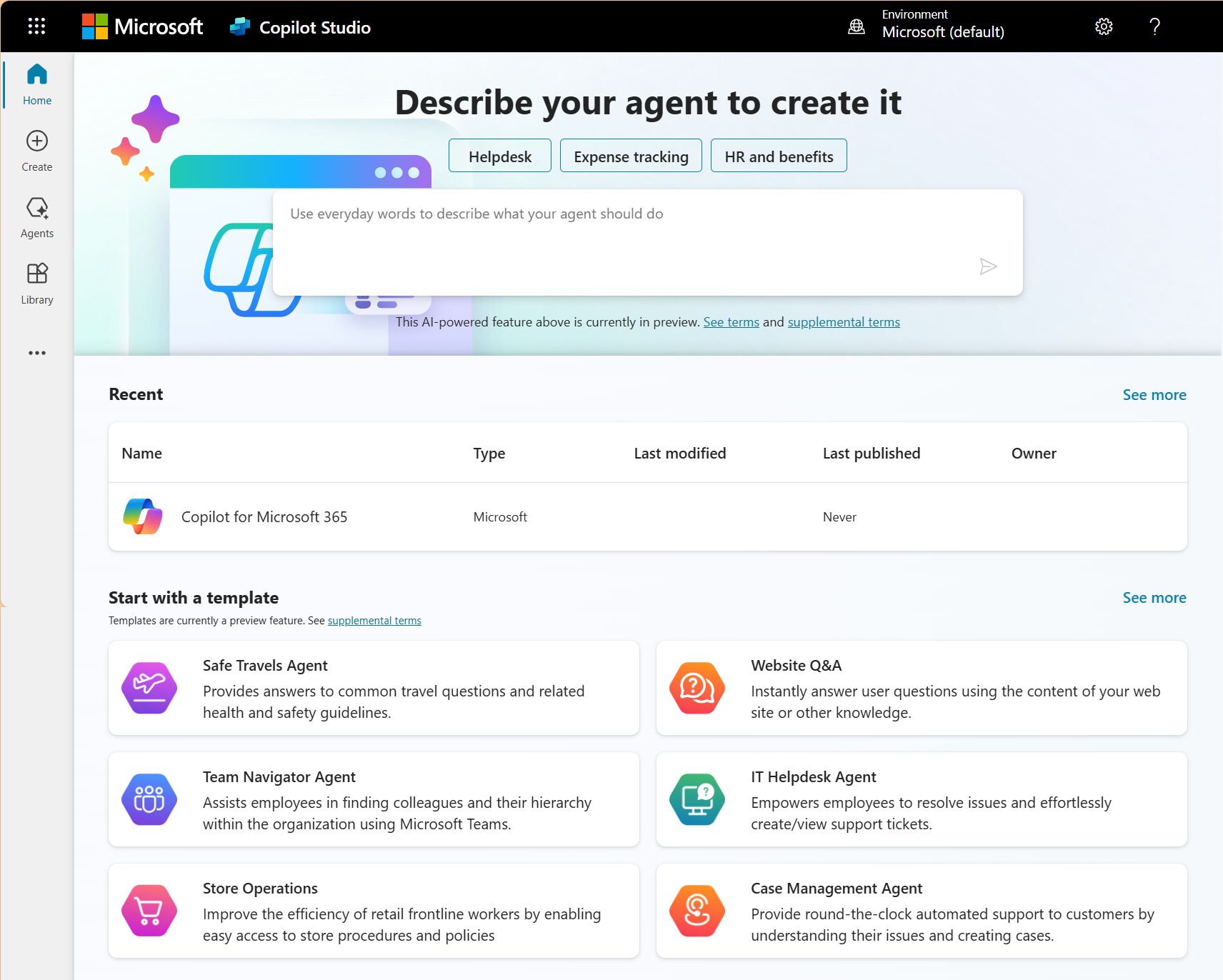
Copilot in Dynamics 365 CRM
Copilot in Dynamics 365 Sales and Customer Service brings AI directly into revenue and support workflows.
Through Microsoft Copilot consulting, organizations can enable:
- AI-generated sales email drafts
- Opportunity summaries and deal intelligence
- Automated pipeline insights
- Forecast analysis suggestions
- Case summarization for service agents
- AI-assisted response generation
When integrated properly, Copilot in CRM accelerates sales productivity and improves customer satisfaction.
Microsoft Copilot consulting ensures that AI suggestions are based on clean CRM data and structured sales processes.
Copilot in Dynamics 365 ERP
Copilot in ERP environments such as Business Central and Dynamics 365 Finance unlocks operational intelligence.
Microsoft Copilot consulting in ERP can enable:
- Automated financial variance explanations
- Cash flow analysis summaries
- Inventory forecasting suggestions
- Procurement optimization insights
- Natural language reporting queries
ERP AI requires even stronger governance and role-based access control. A Microsoft Copilot consulting engagement ensures sensitive financial data remains protected while enabling leadership teams to access meaningful insights.
The 6 pillars of successful Microsoft Copilot consulting
At Gestisoft, Microsoft Copilot consulting is structured around six foundational pillars.
1. AI maturity assessment
Before deployment, organizations must evaluate:
- Data quality
- Process maturity
- Security posture
- Change readiness
- Executive sponsorship
This assessment determines whether Copilot will generate value or confusion.
2. Data readiness and governance review
Microsoft Copilot consulting includes:
- Permission audits
- SharePoint structure review
- CRM data cleanliness analysis
- ERP role security validation
- Sensitivity label configuration
Copilot only performs as well as the data it accesses.
3. Secure Copilot architecture design
This includes:
- Tenant configuration
- Compliance policy alignment
- Conditional access controls
- Integration design
- Custom Copilot Studio extensions if needed
Security-first deployment is non-negotiable.
4. Use-case prioritization
Rather than enabling Copilot everywhere at once, Microsoft Copilot consulting identifies high-impact departments such as:
- Sales
- Finance
- Customer service
- Operations
- HR
This ensures fast wins and controlled scaling.
5. Adoption and training
Low adoption is one of the biggest AI risks. Microsoft Copilot consulting includes:
- Department-specific workshops
- Executive briefings
- AI literacy sessions
- Governance training
- Prompt engineering guidance
Adoption determines ROI.
6. ROI tracking and continuous optimization
After deployment, Microsoft Copilot consulting continues with:
- Usage analytics review
- KPI measurement
- Productivity benchmarks
- Optimization adjustments
- Quarterly governance updates
AI implementation is not a one-time event.
Security, governance and compliance in Microsoft Copilot consulting
Security is often the top concern for Canadian organizations considering Copilot.
Microsoft Copilot consulting addresses:
- Role-based access inheritance
- Data boundary protection
- Sensitivity labels
- Microsoft Purview integration
- Audit logging
- Prompt injection risk mitigation
- Controlled data exposure
Copilot does not create new data access rights; it respects existing permissions. However, if permissions are misconfigured, AI can surface unintended content. Microsoft Copilot consulting corrects these issues before rollout.
For organizations in regulated industries such as finance, healthcare or public services, governance must be designed from day one.
Measuring ROI in Microsoft Copilot consulting
AI must produce measurable outcomes.
Microsoft Copilot consulting defines ROI across several dimensions:
Productivity gains
- Reduction in meeting recap time
- Faster report creation
- Automated email drafting
- Reduced manual spreadsheet work
Revenue acceleration
- Shorter sales cycles
- Improved forecasting accuracy
- Better opportunity follow-up
Financial process efficiency
- Faster variance analysis
- Reduced reporting delays
- Improved procurement insights
Adoption metrics
- Active Copilot usage rate
- Departmental engagement levels
- Time saved per employee
A structured Microsoft Copilot consulting engagement builds a value realization roadmap so executives can see measurable impact within 90 days.
Book your free consultation today
Contact us for more details about our Microsoft Copilot consulting services and how we can help you adopt AI in your everyday tasks to save time and be more efficient.
 Free discovery call
How long does Microsoft Copilot consulting take?
A typical Microsoft Copilot consulting engagement follows this timeline:
Phase 1: Readiness assessment (2–4 weeks)
Security audit, licensing review, data governance validation.
Phase 2: Deployment and configuration (4–8 weeks)
Copilot activation, integration, initial use-case enablement.
Phase 3: Adoption and optimization (90 days)
Training, monitoring, ROI tracking, process refinement.
Ongoing quarterly reviews ensure continuous alignment with business goals.
How to choose the right Microsoft Copilot consulting partner in Canada
Not all partners deliver the same depth of expertise.
When selecting a Microsoft Copilot consulting partner, consider:
- Microsoft Solutions Partner designation
- Experience with Dynamics 365 CRM and ERP
- Governance and compliance expertise
- Industry knowledge
- Structured methodology
- Post-deployment support capability
AI success requires more than license activation.
Why work with Gestisoft for Microsoft Copilot consulting?
Gestisoft is a pure Microsoft partner with deep expertise in:
- Microsoft 365
- Dynamics 365 CRM
- Dynamics 365 ERP (Business Central and Finance)
- AI enablement and digital transformation
Our Microsoft Copilot consulting approach integrates productivity, CRM intelligence and ERP operational AI into one cohesive strategy.
We do not deploy Copilot as a feature. We implement it as a strategic accelerator aligned with your revenue, financial and operational objectives.
For Canadian organizations seeking structured AI transformation, Gestisoft provides both the technical foundation and the business strategy required to unlock sustainable value.
-
Microsoft Copilot consulting includes AI readiness assessment, governance review, secure deployment, integration with Microsoft 365 and Dynamics 365, training and ROI measurement.
Ready to structure your Microsoft Copilot strategy?
AI adoption without governance creates risk. AI adoption with strategy creates advantage.
If your organization is exploring Microsoft 365 Copilot or Copilot in Dynamics 365 CRM and ERP, a structured Microsoft Copilot consulting engagement ensures your investment delivers measurable results.
Liked what you just read? Sharing is caring.

February 20, 2026 by Kooldeep Sahye by Kooldeep Sahye Inbound Marketing Manager
Specializing in SEO-driven pipeline growth, I combine keyword strategy, content optimization, and inbound tactics to turn organic search into a reliable source of qualified leads. I work at the intersection of traditional SEO and AI search — optimizing for LLMs and AI Overviews alongside Google — pairing data-informed strategy with sharp, story-led copywriting.
