
Choosing membership management software is one of those decisions that feels manageable at first and then spirals fast. There are dozens of platforms, every vendor's website says the same reassuring things, and your shortlist somehow keeps getting longer instead of shorter.
For regulatory bodies and professional associations, the membership management software selection process carries extra weight. You're not picking a tool to send newsletters and collect annual dues. You're choosing the system that will manage compliance tracking, credential verification, disciplinary processes, and government reporting for years to come. Get it wrong and you're either stuck with something that doesn't fit or facing a painful re-implementation 18 months later.
A structured approach to the decision makes it significantly less painful. Starting with regulatory obligations rather than feature wish lists, and working through the evaluation in a logical sequence, keeps the process focused and the shortlist manageable.
Not sure where to start with membership management software selection?
Gestisoft helps regulatory bodies and professional associations map their requirements before evaluating platforms.
 Free discovery call
Step 1. Start with your regulatory obligations, not a feature wish list
Most organizations start by listing their desired membership management software features. For regulatory bodies, that's the wrong starting point. Start with what you're legally required to do.
- What does your legislation require you to track?
- Do you need to monitor CE credits, licence status, practice inspections or complaints?
- What reporting do you owe to government ministries or oversight bodies?
- What data protection obligations apply under PIPEDA?
- And what happens if your software fails to support any of those requirements?
Most membership management software was built for voluntary membership organizations where the operational stakes are lower. If a platform can't handle compliance tracking and audit trails natively, it doesn't belong on your shortlist regardless of how polished the demo looks. This single filter eliminates a surprising number of options before you've even booked a demo.
Write your obligations down before you look at a single vendor. Keep the document short, specific, and focused on what you're required to do rather than what would be nice to have. It becomes your evaluation filter for every step that follows, and it stops the selection process from drifting toward platforms that look impressive but can't deliver where it counts.
Step 2. Distinguish between compliance-native and compliance-retrofitted platforms
This is the single most important distinction in membership management software selection for regulated industries, and it's the one most buyers miss.
A compliance-native platform was designed from the ground up to handle credential tracking, practice monitoring, disciplinary case workflows, and audit trails. Those functions are part of the core architecture. A compliance-retrofitted platform was built for general membership organizations and compliance features were added later through custom fields, workarounds, or third-party integrations to serve a broader market.
The problem with retrofitted compliance is that it tends to be fragile. It works fine when requirements are straightforward and starts requiring workarounds on top of workarounds the moment complexity increases. Custom fields can store data, but they can't enforce workflows. A field that says "CE credits completed: yes/no" is not the same as a system that automatically tracks credits against requirements, flags gaps, and triggers notifications before a deadline passes.
During demos, ask vendors directly whether compliance tracking was part of the original product design or something that was added later. The answer tells you a lot about how well the platform will hold up once your actual operational reality starts pushing against it. Vendors who built compliance into the foundation will walk you through the workflows confidently. Vendors who retrofitted it will start talking about custom configurations and "flexibility," which usually means you'll be building the compliance logic yourself.
Step 3. Map your membership structure before evaluating platforms
Regulatory bodies often have membership structures that are more complex than what most platforms were designed to handle. Multiple tiers with different fee structures and renewal cycles, organizational memberships where a company holds the primary membership but individual practitioners hold the credentials underneath. Or provisional, student, retired, and honorary categories that each follow different rules and members who hold licences in multiple categories or jurisdictions simultaneously. This makes manual tracking very difficult and prone to many errors.
Most membership management software was built to handle individual memberships with a few tiers. The moment you introduce organizational hierarchies, multi-category practitioners, or tier-specific compliance requirements, a lot of platforms start struggling. That's not something you want to discover after you've signed a contract and begun implementation.
If you walk into a demo without mapping your structure first, you'll spend the session watching features you don't need while the vendor skips over the structural question that determines whether the platform will work for you.
Before any demo, document your membership types and the rules attached to each. Then ask vendors to show you specifically how their platform handles your structure using scenarios that reflect your reality, not a generic demo running on clean sample data.
Complex membership structures are where Gestisoft thrives
Our team can help you document your membership model and identify what your platform needs to support before you start vendor conversations.
 Free discovery call
Step 4. Evaluate the implementation approach, not just the software
Two vendors can sell the same underlying membership management software and deliver completely different outcomes depending on how they approach implementation. The platform is important, but the partner configuring it matters just as much. That's what makes this step in the membership management software selection process worth spending serious time on.
Industry experience is the first thing to evaluate. A partner who has implemented membership management software for regulatory bodies will ask different questions during discovery than one whose experience is primarily with gyms or nonprofits. They'll anticipate the complexity of your membership structure, the compliance workflows you need, and the data migration challenges that come with decades of accumulated records. A partner without that background will need you to teach them, and you'll be paying for their learning curve.
A good partner maps how your organization operates before configuring the software. They don't jump straight into setting up modules and expect your team to adapt. Data migration planning should be detailed and specific rather than a vague reassurance that they'll handle the transfer. And training should connect the software to the daily workflows your staff will actually use, not a generic walkthrough of every screen.
Ask for references from organizations similar to yours. A vendor who has successfully implemented for regulatory bodies or professional associations will have references they're proud to share. A vendor who hesitates or redirects you toward clients in completely different industries is telling you something worth listening to.
Step 5. Assess integration with your existing technology stack
Membership management software doesn't operate in isolation. Your team already uses email, calendar, file storage, and reporting tools every day, and the new platform needs to connect to that existing environment rather than compete with it.
If your organization runs on the Microsoft ecosystem, a platform that connects natively to Outlook, Teams, SharePoint, and Power BI reduces the adoption gap significantly. Staff are far more likely to use a system that lives inside tools they already know than one that pulls them into an entirely separate environment. This is one of the most underestimated factors in membership management software selection, and one of the biggest predictors of whether the implementation actually sticks.
During evaluation, push vendors beyond "we have an API." An API is a starting point, not a finished connection. Ask to see what the integration looks like in practice. Member data syncing to Outlook contacts and reports appearing in Power BI is a very different conversation than a developer documentation page. Also ask whether integrations are included in the base price or sit behind additional fees, because that distinction changes the total cost picture.

Step 6. Consider bilingual and Canadian-specific requirements
For Canadian regulatory bodies, membership management software selection needs to account for requirements that don't apply to organizations in other markets. These aren't edge cases or nice-to-haves. For many professional orders and regulatory bodies in Canada, they're non-negotiable.
Bilingual portals and member communications are a legal and operational requirement for organizations operating in Quebec or serving French speaking members across Canada. A platform that only supports English forces your team into running parallel manual processes in two languages, which defeats the purpose of having the software in the first place.
PIPEDA compliance for handling personal member data is another baseline requirement that international platforms don't always meet. Canadian payment processing and tax receipt requirements add a further layer that needs to work properly from day one, not as a workaround configured after go-live.
Then there's support. A vendor whose team operates in your time zone and understands the Canadian regulatory landscape will respond differently to your questions than one routing tickets through an offshore support centre. If a vendor can't demonstrate bilingual capability, PIPEDA compliance, and Canadian support during the membership management software selection process, the platform wasn't built for your market.
Step 7. Look beyond go-live when evaluating vendor support
Post-go-live support deserves as much weight in your membership management software selection process as the implementation project itself. The first six months after launch are when the real fine-tuning happens, when edge cases surface, when staff need reinforcement on workflows they learned during training, and when your requirements start evolving in ways nobody anticipated during the planning phase.
Evaluate what ongoing support actually includes. There's a significant difference between a dedicated Customer Success Manager who knows your configuration and a generic ticket queue where you explain your setup from scratch every time you need help. Ask how software updates and new features are rolled out, and whether there's ongoing optimization support or whether the relationship effectively ends once the implementation project closes.
Organizations that select based on implementation price alone often end up paying more in the long run. The support they need either wasn't included in the original agreement or the vendor simply doesn't offer it. Over time an organization’s requirements change, new membership categories get introduced, compliance rules get updated, and sometimes, organizations merge. A platform that was configured perfectly at launch can drift out of alignment within a year if nobody is actively maintaining it.
The vendor relationship should evolve alongside your organization rather than ending on launch day. How a vendor describes their post-go-live involvement tells you a lot about whether they see you as a long-term partner or a closed project.

Step 8. Build a realistic budget that accounts for total cost of ownership
Membership management software pricing varies significantly. Entry-level platforms for small organizations start around $29-$99/month. Enterprise solutions for regulatory bodies with compliance requirements and custom workflows involve custom pricing based on scope. But the subscription fee is only part of the picture, and for most regulatory bodies it's not even the largest part.
Total cost of ownership includes implementation and configuration, data migration, staff training, integration setup with existing tools, customization for unique workflows, and ongoing support fees. Data migration alone can be a substantial cost if you're coming from legacy systems with decades of accumulated records that need cleaning and validation before they go anywhere near the new platform.
Then there's the re-implementation cost nobody budgets for. Organizations that choose a platform based on price and then outgrow it within two years end up paying for the entire process again. That second round is more expensive than the first because you're also dealing with staff fatigue from going through the transition twice.
Free and low-cost platforms can look attractive at first glance. Many regulatory bodies discover that the hidden costs of workarounds, limited compliance features, and inadequate support outweigh what they saved on the subscription. Organizations that have outgrown free membership management software tend to learn that lesson at the worst possible time.
Build a 3-5 year cost projection that accounts for every line item, not just the monthly fee. It puts platforms on an equal footing during the membership management software selection process and prevents the budget surprises that derail implementations mid-stream.
Your membership management software business case starts here
Gestisoft can help you build a total cost of ownership model that accounts for the full scope of what your regulatory body needs.
 Free discovery call
Why Canadian regulatory bodies choose Legio for membership management software
Legio exists because professional orders and regulatory bodies kept trying to make generic membership platforms do things they were never designed for. Over time, the workarounds pile up until the platform is creating as much admin work as it was supposed to eliminate.
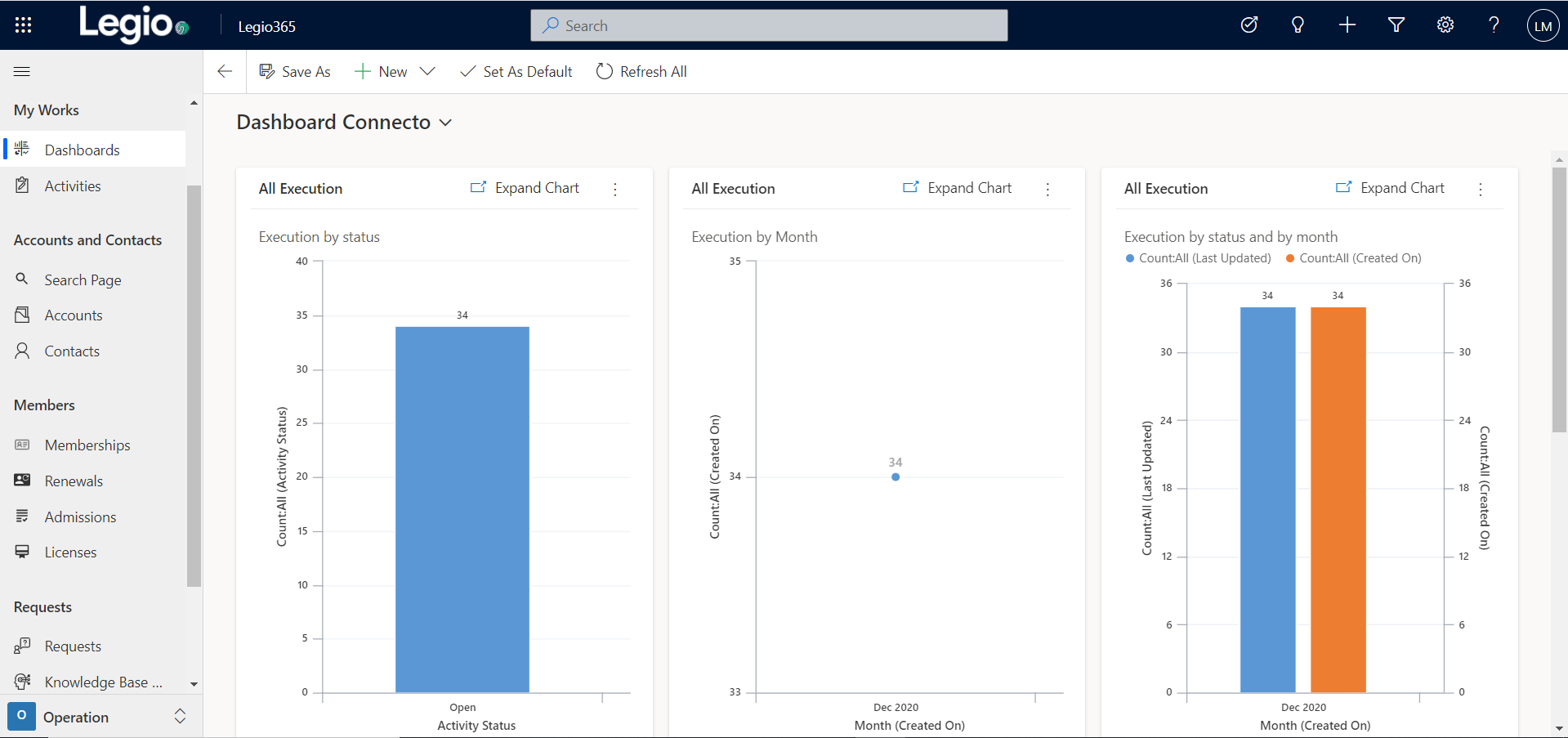
Legio was built on Microsoft Dynamics 365 and Power Platform to handle the full operational reality of regulated membership. Admissions, renewals, credential verification, CE tracking, practice monitoring, disciplinary proceedings with full audit trails, and event management all sit inside one connected system. When a member attends a CE event, their credit balance updates and when that balance meets their renewal requirements, the renewal workflow reflects it. When it doesn't, the system flags the gap and notifies the member before the deadline passes.
Disciplinary case management is where Legio diverges most visibly from generic platforms. Complaints intake, investigation tracking, hearing documentation, confidentiality controls, and deadline monitoring all run inside the same system that holds the member record. There's no parallel process living in email or a separate tool.
The member-facing side handles self-service portals in both English and French, online renewals, document uploads, and application tracking. Members interact with one portal for everything rather than navigating between disconnected systems.
For organizations approaching membership management software selection through the lens of compliance obligations and operational complexity, Legio tends to answer questions that other platforms require workarounds to address.
Why Gestisoft stands out as your membership management software selection partner
Gestisoft doesn't start with a product demo. The first conversation is about how your organization operates and where your current systems are creating friction. The membership management software selection process works better when the vendor is willing to listen to what you need before showing you what they sell.
That consultative approach extends into implementation. Your compliance workflows get mapped before anything gets configured. Your membership structure gets documented in detail so the platform reflects your actual tiers and rules rather than a simplified version that looks clean in testing and breaks in production.
Every client gets a dedicated Customer Success Manager who stays with the project beyond go-live. When compliance rules change or new membership categories get introduced, there's someone who already understands your configuration and can make adjustments without starting from scratch.
The implementation team includes consultants who have worked with regulatory bodies and professional associations before. They've seen the complicated membership structures and the legacy data challenges that come with this kind of transition. That experience translates directly into fewer surprises during your implementation.
Gestisoft's 95% client renewal rate reflects what happens when the selection process leads to the right fit and the partnership keeps delivering after launch.
Talk to Gestisoft about membership management software selection for your regulatory body.
-
Most organizations spend 2-4 months on selection when they follow a structured process: defining requirements, shortlisting vendors, running demos, checking references, and making a final decision. Rushing this step usually costs more time later.
Liked what you just read? Sharing is caring.

April 09, 2026 by Shelley Sunjka by Shelley Sunjka Copywriter & Marketing Strategist
Armed with a psychology degree and an irrational obsession with okapis, I've spent the last decade helping bold brands tell better stories. I believe the best writing bends grammar rules on purpose and makes people feel something. When I'm not deep in words or nerding out on buyer behaviour, I'm probably convincing my kids that impromptu kitchen dance parties are totally normal.


