

ETO software Canada is a term more Canadian manufacturers are searching for because they have finally admitted the truth: their current system was never built for what they actually do.
You quote jobs before the design exists. Materials get ordered while engineering is still revising the BOM. The shop floor starts building while specs are still changing. And somewhere in the middle of all that, your team is bridging the gap with spreadsheets, email threads, and a legacy ERP that keeps breaking under the pressure.
That is not a workflow problem. That is a software problem, and it has a specific solution.
This guide breaks down what ETO software in Canada actually needs to do, which features matter most, and how Microsoft Dynamics 365 Business Central fits the picture when implemented by a partner who understands custom manufacturing.
Talk to a Gestisoft Manufacturing Specialist
Get clarity on which ETO software configuration fits your shop, based on your actual workflows, not a generic demo.
 Book a free consultation
What ETO Software Canada Actually Means for Your Shop
ETO software Canada, in the manufacturing context, means enterprise software built specifically for companies that engineer custom products from scratch for each customer order.
If you build to a customer spec that does not exist until after they place an order, you are an engineer-to-order manufacturer. Every job is unique. Every BOM starts fresh. And you need software designed around that reality, not adapted from a platform built for something simpler.
Engineer-to-Order vs. Make-to-Order vs. Configure-to-Order
Knowing where your operation fits changes what you need from ETO software Canada entirely.
- Engineer-to-order (ETO): The customer brings a problem or a spec. Your engineers design the solution, create the BOM, and manufacturing builds it. No two jobs are identical.
- Make-to-order (MTO): You have an existing design. The customer orders it, and you build from that fixed blueprint. Engineering involvement is minimal. Standard ERP handles this reasonably well.
- Configure-to-order (CTO): Customers choose from a defined set of options, such as custom control panels with selectable components. More structured than ETO, but still needs flexibility.
Most Canadian custom manufacturers land somewhere between ETO and CTO. Your software needs to handle both without forcing workarounds.
Which Canadian Industries Use ETO Software Canada
ETO software Canada is not just for large industrial plants. It runs across a wider range of sectors than most people assume.
Common ones in Canada include custom industrial machinery builders, automation and systems integrators, panel shops and OEMs, process equipment and pressure vessel manufacturers, specialized material handling companies, and custom packaging line builders.
Many operate in Ontario, Quebec, and Alberta, with 50 to 300 employees and project values ranging from tens of thousands to several million dollars per job.

Why Standard ERP Fails ETO Software Canada Requirements
Generic ERP was built around one core assumption: you know what you are building before you start.
That works for retailers, distributors, or repeat-production manufacturers. It collapses the moment your BOM does not exist at order time, which is the baseline reality for every ETO shop. This is the core reason ETO software Canada exists as its own category rather than a feature set inside general-purpose ERP.
When you force a standard ERP into ETO workflows, the gap gets managed manually. Spreadsheets track engineering changes the ERP does not know about. Procurement orders from BOMs that are already outdated. Finance closes the books on jobs where actual costs have nothing to do with the original estimate.
Canadian manufacturers carry additional pressure points that make the wrong choice particularly costly. Bilingual documentation for English and French operations, provincial tax compliance across GST, HST, and QST, and integration requirements with Microsoft 365 tools already embedded in daily work are not solved by a US-centric generic platform.
The BOM Problem Every ETO Software Canada Buyer Faces
The bill of materials is where the right solution either earns its place or creates chaos.
In standard manufacturing, the BOM is stable. You define it once, production executes against it. In ETO, the BOM is a living document. Engineering creates a preliminary version for the quote, revises it as the design develops, and finalizes it partway through production, sometimes later.
What that means in practice: when engineering changes a component, procurement needs to know immediately if that affects an open purchase order. Production needs to know if a work order in progress requires adjustment. Finance needs to know if the job margin just shifted. That chain should happen automatically inside the system, not through emails and manual updates.
The shops that struggle most are the ones with solid ERP for back-office work but engineering and production running in disconnected parallel systems. Good ETO software Canada closes that gap by treating the BOM as a connected, living object across every department.

What Core Features You Should Look for in ETO Software Canada
When evaluating ETO software Canada, the feature checklist matters less than understanding whether the system was designed for your type of work or adapted for it after the fact.
That said, there are specific capabilities that separate purpose-built ETO platforms from general ERP with a manufacturing module bolted on.
Project-Based Job Structure
Every order should live as a unique project with its own BOM, costs, schedule, and revenue recognition.
Not a standard production order hacked to behave like a project. A real project structure where sales, engineering, procurement, and finance are all working from the same job record. This is what makes cost tracking meaningful and margin visibility possible in real time.
Dynamic BOMs and Change Control
Engineering changes must flow automatically to purchasing and production.
Version history should be tracked and approvals should be auditable. If a design revision happens on Tuesday and procurement does not know until Friday, you have already ordered the wrong parts. The system needs to make change visible the moment it happens.
CAD Integration
If your engineers work in SolidWorks or Inventor, your software should pull the BOM directly from those designs.
No manual re-entry. Double-entry is where data integrity breaks down, and in ETO it happens constantly when engineering and ERP are not connected. Verify whether your shortlisted platform has a connector for your specific CAD tool before you commit.
Real-Time Job Costing
You need estimated versus actual costs at every stage, not just at job close.
Catching an overrun at 60% completion is recoverable. Catching it at invoicing is not. Real-time costing is not a premium feature in ETO software Canada. It is a baseline requirement.
Long-Lead Material Planning
ETO shops regularly need to order components before engineering finishes the design.
The system needs to support early procurement against a preliminary BOM, with revision tracking when the final design arrives. This is one of the most common gaps in platforms that were not built specifically for engineer-to-order work.
Bilingual and Multi-Province Compliance
GST, HST, and QST tax logic, bilingual documentation, and Canadian payroll and banking compatibility are not optional for most operations in Canada.
This is a differentiator worth verifying explicitly, especially with platforms that were built primarily for US markets and adapted for Canadian use afterward.
Get the ERP Selection Guide
Ten criteria that matter most when choosing ETO software Canada for your custom manufacturing operation. Practical, specific, and free.

How Business Central Handles ETO Software Canada Workflows
Microsoft Dynamics 365 Business Central is not marketed exclusively as ETO software Canada. It is a full ERP for small to mid-sized businesses across industries. But for ETO manufacturers, it covers the core requirements well, and its Microsoft ecosystem integration makes it a natural fit for Canadian shops already running Teams, Outlook, and Excel every day.
Business Central's manufacturing module, available in the Premium tier, supports production BOMs, routings, capacity planning, and MRP out of the box. The Projects module ties each order together as a project with budgets, task tracking, resource allocation, and WIP posting connected directly to your financials.
Sales, engineering, purchasing, production, and finance all work from the same data set. When a BOM changes, purchasing sees it. When materials are received against a job, finance sees it. When hours are logged on the floor, job costing updates in real time.
For Canadian operations, Business Central handles GST, HST, and QST tax configurations, supports bilingual interfaces and documentation, and meets Canadian data residency requirements. Power BI connects directly for live visibility into margins, schedule performance, and resource utilization across active jobs.
The ERP system for manufacturing guide covers what a well-configured manufacturing ERP should deliver, useful context before your first Business Central demo.
Project-Based Jobs and Real-Time Costing in ETO Software Canada
The Projects module in Business Central is where ETO manufacturers spend most of their time.
Each project has a defined budget broken down by phase, task, or cost type. As the job progresses, actuals post automatically: materials consumed from inventory, labour hours logged from the floor, subcontract purchases tied to the job. WIP values post to the general ledger on a schedule that matches your revenue recognition method.
For shops invoicing by milestone or percentage of completion, this matters enormously. You can see which phases are over budget, what the remaining cost to complete looks like, and whether the job is tracking to margin, all without waiting for month-end.
The 7 reasons to adopt Dynamics 365 Business Central Project Management article explores this further, including how project tracking connects to forecasting and resource planning.
CAD Integration and Change Control in ETO Software Canada
Business Central does not have native CAD integration built in, and that is worth being upfront about.
For shops using SolidWorks or Inventor, integration happens through third-party add-ons on Microsoft AppSource or through a partner-built connector evaluated against your specific design workflow.
What Business Central does handle natively is BOM versioning, production order revision tracking, and engineering change management workflows. When a design changes, the updated BOM flows to open production orders and purchase requisitions, with a complete audit trail of what changed, when, and who approved it.
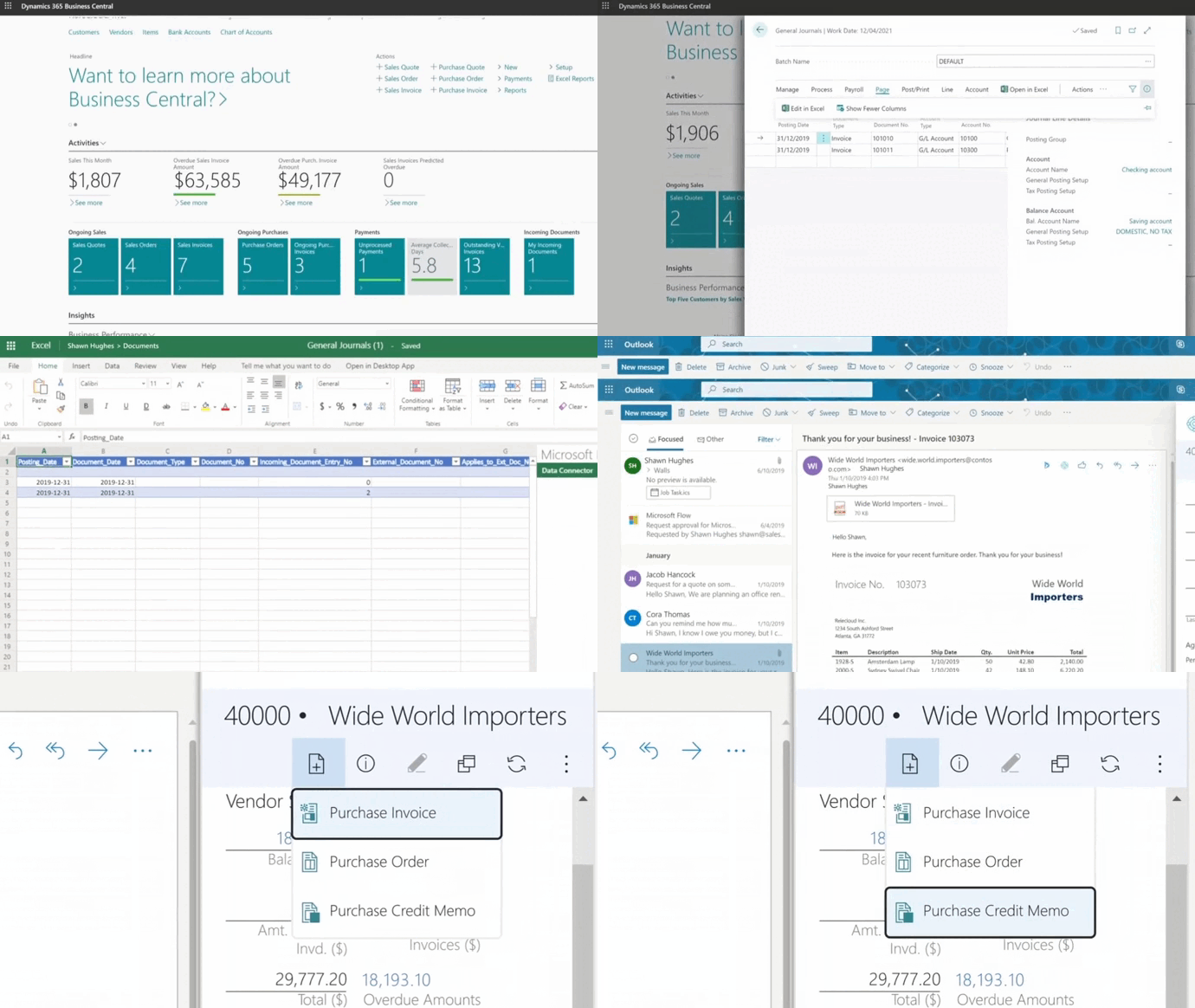
Watch how you can create projects in business central step by step…
What to Ask Your ETO Software Canada Partner Before You Sign
Most ETO software Canada purchases go wrong not because the software was the wrong choice, but because the implementation partner did not understand ETO manufacturing.
A partner who specializes in retail or standard repetitive manufacturing will configure Business Central the way they know how: production orders instead of projects, static BOMs instead of dynamic ones, and a go-live that works against their reference model and breaks against your actual jobs.
These questions will tell you quickly whether the partner in front of you actually knows ETO.
How Many ETO Clients Have They Implemented?
Not manufacturing in general. Specifically engineer-to-order.
Ask for references. Ask which industries and how complex the jobs were. A partner with two ETO clients and fifty retail implementations will cost you months of rework.
How Do They Handle Mid-Project BOM Changes?
A partner who understands ETO will have a specific answer about change order workflows, procurement impact management, and how partially consumed materials on a revised job are handled.
A vague answer here is a warning sign.
What Is Their Approach to Job Costing Setup?
ETO shops often need custom WIP methodologies, project phase structures, and cost type classifications.
Ask how they configure this for an ETO operation, not just whether the software supports it in general.
What Does Go-Live Support Look Like for an Active Shop?
ETO manufacturers cannot pause production for an ERP implementation.
Ask how they manage cutover for in-progress jobs with open BOMs and partial costs. A partner with real ETO experience will have a clear answer. One without it will improvise on your schedule.
Get the Right Partner From Day One
Gestisoft's manufacturing team has implemented Business Central for engineer-to-order operations across Canada. Let's talk about your shop before you choose a path.
 Free discovery call
ETO Software Canada Implementation: What the First 90 Days Look Like
The biggest fear most ETO manufacturers have about switching software is disruption. You cannot stop production, and most shops have active jobs at various stages of completion when a new system goes live.
A well-structured implementation addresses this directly by splitting the project into three phases. The ERP implementation phases guide covers the broader framework in detail. For ETO specifically, the key is a partner willing to plan cutover around your active job schedule, not their standard deployment calendar.
Phase One: Foundation Setup (Weeks 1 to 4)
This phase is about building the environment before any live job touches the system.
Master data gets structured: item numbers, vendors, customers, resources, and work centres. Job structures, cost types, BOM configurations, and project templates get configured. Nothing goes live yet. The goal is a system your team can trust before they are asked to rely on it.
Phase Two: First Live Jobs (Weeks 4 to 10)
Most implementations start with new orders rather than migrating all in-progress jobs at once.
This lets your team learn the system on real work without the complexity of converting partially complete jobs with historical costs. Finance runs in parallel for one period to validate postings before full cutover.
Phase Three: Cutover and Optimization (Weeks 10 to 12+)
The parallel run closes and the focus shifts to refinement.
Custom reports, Power BI dashboards, and integrations including CAD connectors that were not in scope for day one come online here. Understanding what drives costs before you budget is worth doing early. The ERP pricing and budgeting guide breaks down what mid-market manufacturers typically see in a scoped Business Central engagement.
-
In the manufacturing context, ETO software is an ERP system built for companies that design and build custom products to each customer's specifications. It treats each order as a unique project rather than a repeat production run, managing everything from quote and engineering through procurement, production, and delivery.
Why Canadian Manufacturers Choose Gestisoft for ETO Software Canada
Gestisoft is a certified Microsoft Solutions Partner serving clients across Canada and North America, with a dedicated practice for engineer-to-order and custom manufacturing on Microsoft Dynamics 365 Business Central.
The difference in a Gestisoft ETO engagement starts before any configuration begins. The team maps your actual workflows: how jobs are quoted, how engineering releases BOMs, how purchasing handles long-lead materials, and how production tracks work-in-progress. The system is built around how your shop works, not adapted from a retail or distribution template.
Gestisoft also brings Canadian-specific context that matters for manufacturers operating across provinces. Provincial tax compliance, bilingual interfaces and documentation, and Microsoft data residency configurations for Canadian regulatory environments are part of every engagement.
For manufacturers making their first ERP decision or replacing a system that no longer fits, the 30 benefits of manufacturing ERP guide is a solid benchmark for what a well-implemented system should deliver.
Here is what one manufacturing client said about working with Gestisoft:
“The solution delivered to us has significantly improved our production visibility. We are now able to track our production in real time, and have more accurate data on the costs of each production run.”
Real-time production visibility and accurate job costing are exactly what ETO software Canada is supposed to deliver. Not after-the-fact reconciliation. Not a spreadsheet someone updates every Friday. The system works the way your operation actually runs.
Gestisoft works with manufacturers across Canada to scope ETO software Canada implementations that fit the shop.
Your ETO Operation Deserves a System Built for It
Gestisoft implements Microsoft Dynamics 365 Business Central for engineer-to-order manufacturers across Canada. Let's map your workflows before you commit to anything.
 Book a free consultation
Liked what you just read? Sharing is caring.

July 03, 2026 by Muhammad Ali Iqbal by Muhammad Ali Iqbal SEO Content Strategist & Copywriter
Driven by a passion for search engine optimization, strategic content, and conversion-focused writing. A copywriter and content strategist who lives for content that ranks, engages, and delivers real business results.

