

Choosing accounting software for charities is very different from choosing a bookkeeping tool for a small business. The question is not “Can we enter transactions?” but “Can we prove every dollar was used the way donors and grantors intended, with minimal manual work?”
This article gives you a requirements checklist and workflow lens to evaluate tools. For the full landscape and feature explanations, start with our charity accounting software guide. If you’re already comparing vendors, head to best charity accounting software.
What makes charity accounting different?
Restricted vs unrestricted revenue
Charities must separate funds that can be used freely from those tied to a purpose or grant condition.
Program vs overhead reporting
You need to report impact by program, not just overall profit/loss.
Grant funding rules
Grants bring timelines, cost eligibility rules, and reporting formats — all of which depend on accurate tracking.
Accountability to donors and boards
Transparency is not optional in the nonprofit sector. Audit trails and clean reporting are expected.
Let our ERP professionals guide you from start to finish
Our team will be delighted to answer all your questions about accounting software for charity. Contact us to book your free consultation today.
 Free discovery call
Charity accounting software requirements checklist
Use this as your evaluation baseline.
Fund accounting and tracking
Your system must allow coding by:
- fund (restricted/unrestricted)
- program/project
- campaign or grant
This requirement is highlighted across charity-software selection guides.
Grant management and compliance
You should be able to:
- assign expenses to grants
- track budget burn
- produce reports without spreadsheets
Donation and pledge handling
Look for:
- recurring gifts/pledges
- restriction assignment
- donor-fund allocation reporting
Program-based budgeting
Budgets by program/fund and the ability to report budget vs actual at that level are crucial.
Reporting for boards and funders
Expect:
- fund statements
- program summaries
- grant utilization reports
- audit-friendly exports

Audit trails and internal controls
Permissions, approval workflows, and immutable logs reduce audit risk.
Multi-entity or multi-chapter support (if applicable)
Growing charities often need consolidated reporting.
Integration ecosystem
Nonprofit guides stress integrations with fundraising/CRM, payroll, and expense tools.
Ease of use for non-finance staff
Programs leaders, fundraisers, and approvers need simple experiences, not accounting jargon.

Key workflows your software should support
Donation intake → allocation to funds
A donation should flow from receipt to fund assignment automatically, not via manual journals. (See the full feature logic in charity accounting software.)
Grant award → spending control → reporting
The software should let you lock eligible accounts, approve spending, and run real-time compliance reports.
Expense approvals and policy enforcement
Approvals by fund/program prevent accidental misuse.
Month-end close and reporting packs
Close faster by automating:
- bank recs
- payment matching
- recurring allocations
- board pack generation
Year-end audit preparation
Audit readiness depends on clean trails and consistent coding.

How to evaluate tools for your charity?
Define your size and complexity
A $250K local charity has different needs than a multi-fund foundation.
Build a shortlist
Use the checklist above to narrow to 3–5 tools. Our rankings in best charity accounting software can accelerate this step.
Run scenario-based demos
Ask vendors to show:
- restricted donation reporting
- a grant compliance report
- a program budget vs actual dashboard
Score with a simple matrix
Rate each tool against your non-negotiables and “nice to haves.”
Best-fit recommendations by charity profile
Small charities
If you have:
- simple funds
- low transaction volume
- limited grants
You may do fine with free or low-cost systems. Start with free charity accounting software.
Growing multi-program charities
When programs expand and restriction tracking becomes frequent, you need deeper fund accounting and reporting. Decision support lives in the charity accounting software hub.
Large or multi-entity charities/foundations
You likely need ERP-level structure, workflows, and consolidated reporting.
When to move from accounting software to ERP?
Consider ERP when:
- fund or grant structures become multi-layered
- approvals and controls need automation
- integrations multiply
- reporting time becomes a bottleneck
(See ERP pricing tiers in the pillar hub.)
How Gestisoft helps charities implement the right system?
Gestisoft supports:
- requirements discovery
- fund/program design
- data migration planning
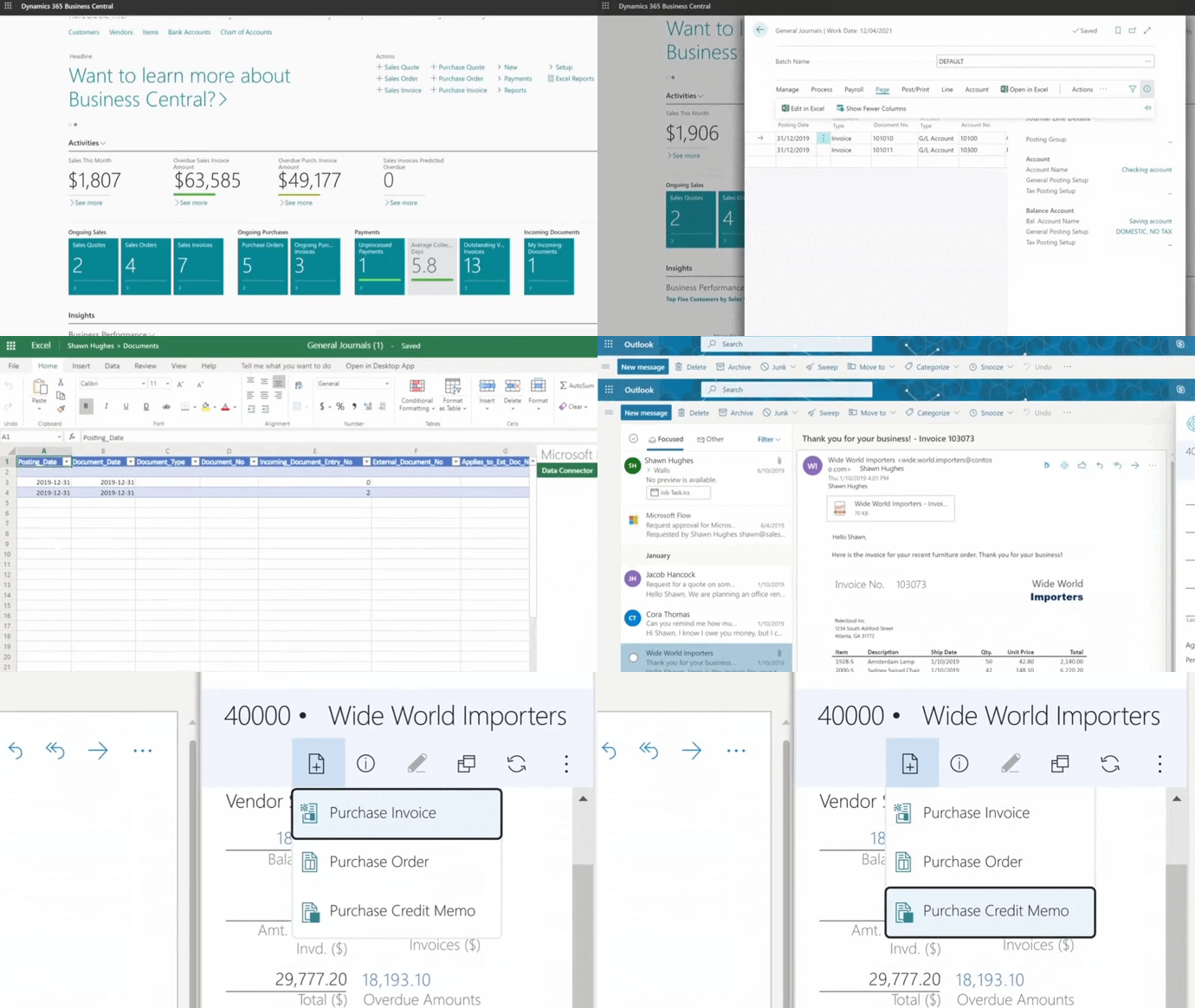
- Business Central configuration
- training and change management
Start with a free consultation
Contact our team for more details about Business Central and discover why this is the best accounting software for charities.
 Free discovery call
-
The best system is the one that matches your fund, grant, and reporting complexity. See best charity accounting software.
Liked what you just read? Sharing is caring.

December 02, 2025 by Kooldeep Sahye by Kooldeep Sahye Inbound Marketing Manager
Specializing in SEO-driven pipeline growth, I combine keyword strategy, content optimization, and inbound tactics to turn organic search into a reliable source of qualified leads. I work at the intersection of traditional SEO and AI search — optimizing for LLMs and AI Overviews alongside Google — pairing data-informed strategy with sharp, story-led copywriting.