

Nonprofit financial management has become significantly more complex over the last decade. Donors expect complete transparency. Granting agencies demand accurate and timely reporting. Boards require real-time visibility into financial health. Auditors increasingly scrutinize restricted funds, allocations, and internal controls. Meanwhile, nonprofit finance teams are expected to do more with fewer resources—often relying on spreadsheets or generic accounting tools that were never designed for nonprofit fund structures.
Fund accounting software solves these challenges by tracking restricted and unrestricted funds accurately, supporting program-based budgeting, simplifying grant reporting, and automating financial processes that are otherwise manual and error-prone. Beyond basic accounting, these tools provide the transparency and governance that modern nonprofits need to demonstrate stewardship and maintain trust.
This article explores the 12 most important benefits of fund accounting software for nonprofits, helping you understand how a modern system strengthens financial integrity, reduces administrative burden, and supports your mission. For additional context on features, use cases, and compliance, you can refer to our complete guide to fund accounting software.
Ready to start the implementation of Business Central?
Contact us for a free consultation and demo to find out how the software works.
 Free discovery call
12 Key Benefits of Fund Accounting Software for Nonprofits
1. Accurate tracking of restricted and unrestricted funds
One of the biggest financial risks for nonprofits is mismanaging restricted funds. These dollars must be tracked separately and used only for their intended purpose. Generic accounting tools often require complicated workarounds, leading to errors that can breach donor trust or compliance rules.
Fund accounting software:
- Separates fund balances
- Tracks restrictions at the transaction level
- Prevents accidental misuse
- Supports temporary and permanent restrictions
- Enables clear reporting of fund activity
This ensures accurate stewardship of donor contributions and grants.
2. Improved financial transparency
Transparency is essential for nonprofit credibility. Fund accounting software provides clear, real-time insight into:
- Fund balances
- Program spending
- Grant usage
- Budget performance
- Revenue sources
Instead of relying on spreadsheets or manual reconciliations, nonprofit leaders can access dashboards and reports instantly.
This visibility strengthens board governance and fosters donor confidence.
3. Stronger compliance with FASB, GAAP, and grant requirements
Nonprofit organizations must follow strict financial standards, including:
- FASB ASC 958 (net asset classification)
- GAAP reporting
- Grantor-specific reporting requirements
- Audit documentation standards
Fund accounting software ensures compliance by:
- Automatically enforcing fund restrictions
- Maintaining audit-ready trails
- Supporting required nonprofit statements
- Tracking expenditures by grant or program
- Managing revenue recognition accurately
Compliance becomes a natural part of daily operations—not an administrative burden.

4. Better grant management & reporting
Grants are a lifeline for many nonprofits, but they come with strict reporting guidelines. Mismanaging grant budgets or failing to track expenses properly can jeopardize future funding.
Fund accounting software provides:
- Grant-level budgets
- Expenditure tracking tied to grant periods
- Reporting templates aligned with funder requirements
- Alerts for budget overruns or deadlines
- Multi-year grant support
This reduces reporting time and ensures compliance with funding agreements.
5. Audit-ready documentation and controls
Nonprofit audits require extensive documentation of:
- Fund balances
- Donor restrictions
- Revenue recognition
- Expense allocation
- Approval workflows
- Internal control processes
Fund accounting software includes built-in audit trails that record:
- Transaction history
- Approval timestamps
- User actions
- Version changes
This reduces audit preparation time dramatically and eliminates the risk of missing documentation.
6. Fewer manual errors and reduced reliance on spreadsheets
Spreadsheets introduce risks such as:
- Formula errors
- Version control issues
- Broken links
- Manual data entry mistakes
- Inefficiencies during audits
Fund accounting software automates:
- Recurring transactions
- Budget distributions
- Fund allocations
- Bank reconciliation
- Financial consolidations
Automation leads to more accurate financial data and fewer staff hours spent correcting mistakes.

7. More reliable budgeting & forecasting
Nonprofits must plan across:
- Programs
- Departments
- Funds
- Grants
- Fiscal periods
Fund accounting software supports:
- Multi-layered budgets
- Multi-year planning
- Budget-to-actual comparisons
- Scenario modeling
- Program-level budget ownership
Program managers get real visibility into their budgets without involving finance for every report request.
8. Improved internal controls & approval workflows
Internal controls are essential for financial integrity. Many nonprofits rely on email or paper approvals, which creates risk and slows operations.
Fund accounting software provides:
- Configurable approval workflows
- Segregation of duties
- User role permissions
- System-controlled audit trails
This minimizes risk and ensures consistent processes across the organization.
9. Faster month-end and year-end closing
Closing the books can take days or even weeks when tracking multiple funds and grants manually. Fund accounting software streamlines closing by automating:
- Interfund transfers
- Allocations
- Bank reconciliation
- Expense categorizations
- Reporting generation
Finance teams can complete closing faster, freeing up time for analysis and strategy.
10. Enhanced donor or grantor trust and communication
Donor expectations have increased. They want clear reporting on how their contributions are used. Fund accounting software makes donor communication easier through:
- Accurate fund-level reports
- Transparent financial statements
- Grant utilization summaries
- Program impact insights
This enhances donor relations and increases the likelihood of continued support.
11. Scalability as your nonprofit grows
Many nonprofits outgrow their financial systems as they expand programs, receive more grants, or manage more complex operations.
Fund accounting software scales by supporting:
- Additional funds
- New programs or departments
- Multi-entity structures
- Increased transaction volume
- More users with different permissions
Systems like Microsoft Dynamics 365 Business Central are particularly strong in scaling from mid-sized to large nonprofits.
12. Real-time reporting for better decision-making
Mission-driven decisions require accurate financial data. Fund accounting software enables financial leaders to make informed decisions through:
- Real-time dashboards
- Fund-level analytics
- Cash flow insights
- Grant budget performance
- Forecasting tools
Unlike spreadsheets, these insights update automatically as transactions are recorded.
Real-time visibility helps nonprofit leaders allocate resources more effectively and ensures financial sustainability.

Why nonprofits outgrow QuickBooks or Xero for fund accounting?
Many small nonprofits start with QuickBooks or Xero because they are affordable and easy to use. However, as complexity grows, these systems show limitations:
- No native restricted fund tracking: Workarounds using tags or classes quickly become unmanageable.
- No grant lifecycle tracking: Grants require detailed reporting, which basic tools cannot provide.
- Limited internal controls: Approval workflows and audit trails are minimal.
- Limited reporting depth: Nonprofits need statements segmented by fund, program, or grant—not simple profit-and-loss reports.
- High spreadsheet dependency: Reporting, budgeting, and grant tracking usually live outside the system.
Once organizations reach 5–10 restricted funds, manage multiple grants, or begin preparing for audits, they typically transition to true fund accounting software.
How to evaluate whether your nonprofit is ready for fund accounting software?
Your organization is ready to upgrade if you experience any of the following:
- You manage more than 3 restricted funds: The more restrictions you track, the harder it becomes without true fund accounting.
- You manage grants with complex reporting requirements: Manual grant reporting is a major time sink and risk.
- Your audits are becoming longer or more complex: Missing documentation or unclear fund balances is a clear sign.
- Your program managers lack visibility into their budgets: This often results in overspending or underspending.
- You rely heavily on spreadsheets: Spreadsheets should not be used for core financial data.
- You need real-time reporting instead of waiting for month-end: Fund accounting software gives nonprofit leaders the visibility they need to make timely decisions.
Book your free consultation with our team today
Learn more about the capabilities of Business Central as a fund accounting software for nonprofits.
 Free discovery call
Why Microsoft Dynamics 365 Business Central is a strong choice for nonprofits?
Business Central provides nonprofit organizations with a modern, scalable, and integrated platform designed to handle the complexities of fund accounting without requiring multiple disconnected systems.
Key advantages for nonprofit fund accounting
- Multi-dimensional general ledger supporting funds, programs, grants, departments
- Strong financial controls and workflows
- FASB 958-compliant reporting
- Grant and project accounting
- Real-time dashboards through Power BI
- Multi-entity and multi-currency support
- Cloud-based security with Microsoft Azure
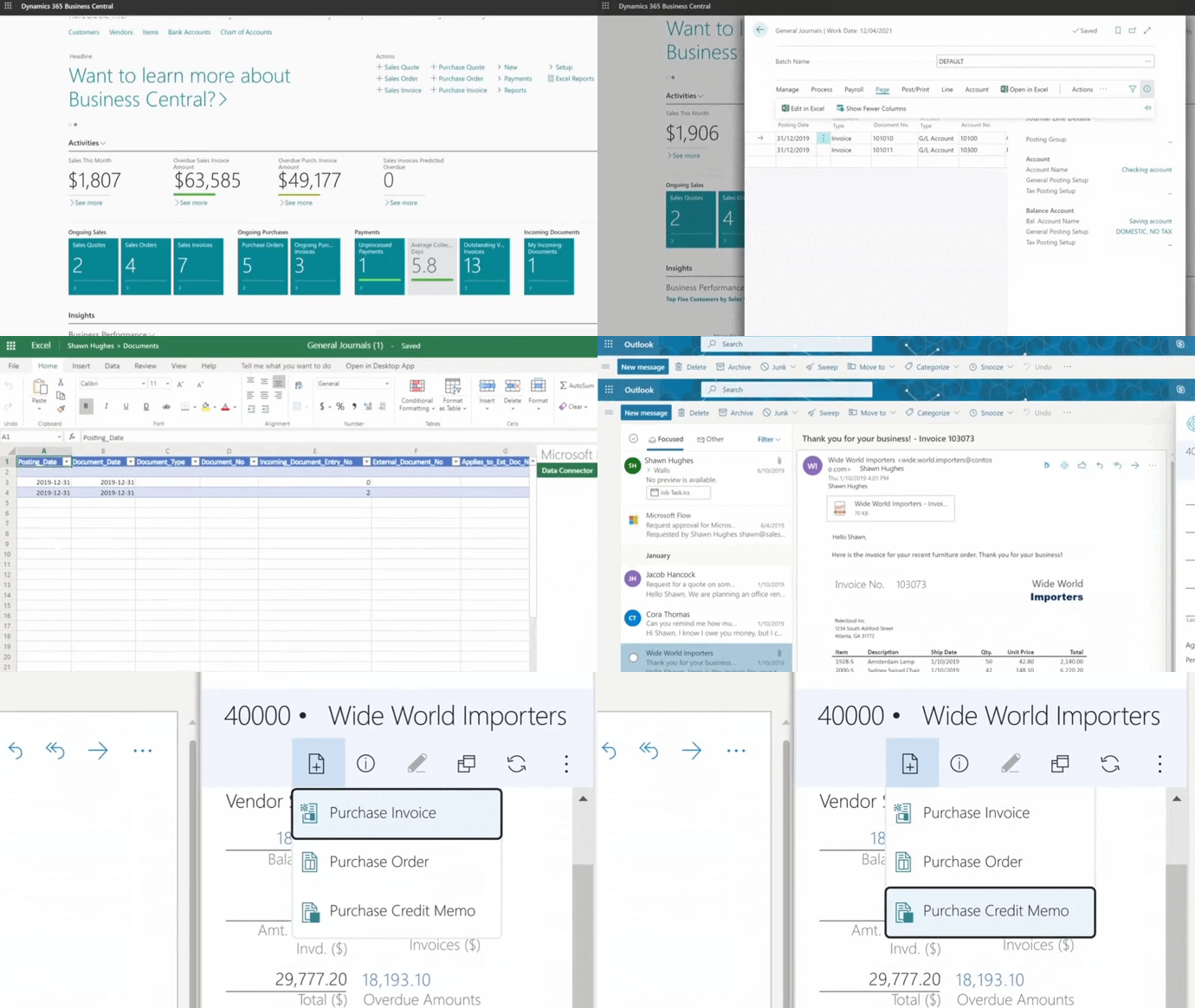
- Deep integration with Microsoft 365 (Outlook, Excel, Teams, SharePoint)
Unlike rigid nonprofit-specific tools, Business Central adapts to your organization’s structure instead of forcing you into preset configurations.
When implemented by an experienced nonprofit partner like Gestisoft, Business Central becomes a powerful financial engine that supports your current needs and scales with you as your mission evolves.
Conclusion
Fund accounting software provides nonprofits with the tools they need to operate responsibly, transparently, and efficiently. From restricted fund tracking to grant reporting, from stronger internal controls to enhanced donor trust, the benefits are extensive and transformative. As your organization grows, modern financial tools become essential for maintaining compliance, improving reporting accuracy, reducing manual processes, and making informed decisions.
Liked what you just read? Sharing is caring.

December 01, 2025 by Kooldeep Sahye by Kooldeep Sahye Marketing Specialist
Fuelled by a passion for everything that has to do with search engine optimization, keywords and optimization of content. And an avid copywriter who thrives on storytelling and impactful content.